EasyManua.ls Logo

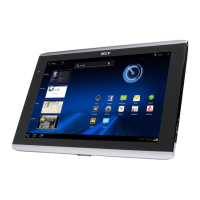
Acer A700 - Setting up; Unpacking Your Tablet; Getting to Know Your Tablet

Acer A700
78 pages
Print Icon
To Next Page IconTo Next Page
To Previous Page IconTo Previous Page
Loading...
6
Setting up
Unpacking your tablet
Your new tablet comes packed in a protective box. Carefully unpack the box and
remove the contents. If any of the following items is missing or damaged, contact
your dealer immediately:
• Acer ICONIA TAB A700/A701
• Setup poster
• Micro USB to USB adapter
• AC adapter
• Warranty card
Getting to know your tablet
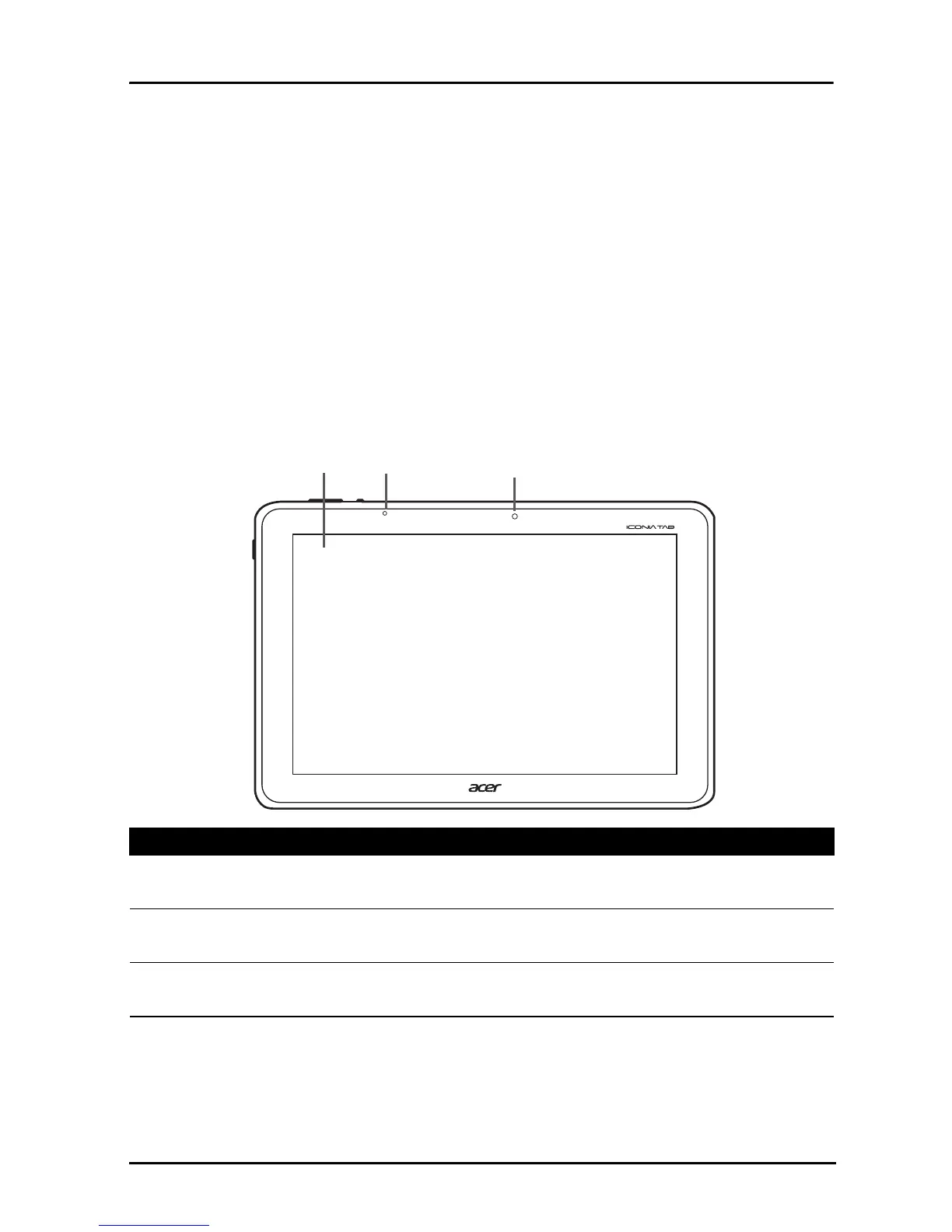
Front
1
3
2
view
No. Item Description
1 Touchscreen 10.1-inch, 1920 x 1200 pixel capacitive
touchscreen.
2 Light sensor Detects ambient light and automatically adjusts
screen brightness.
3 Front-facing camera A 1-megapixel camera for video chats and self-
portrait images.

Table of Contents