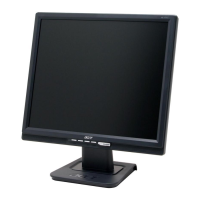
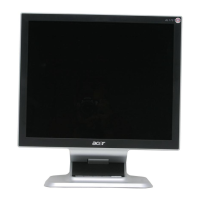
Work your way along the front bezel to disengage
all the locking mechanism.
Place cloth on the panel where you are working
on to protect the panel. Continuously, wedge
your finger between the front bezel and the
panel, then pry up on the front bezel to
disengage the locking mechanism.
Disconnect the key function cable
Use a Phillips-head screwdriver unscrewed the key
function board from rear bezel No.1~2 screws
(No1~2 screw size=M3x6; Torque=5~6KGFxCM).
Use a Hex-head screwdriver unscrewed 2 screws to
release the D-SUB connectors
(No1~2Hex Nut screws
Size=M3x8;Torque=5~6KGFxCM).
Use a Phillips-head screwdriver unscrewed the
No.1~2 screws to lease power plug
(No1~2 screw size=M3x10; Torque=5~6KGFxCM).
S8
S10
S9
4. Assembly and Disassembly Procedures (continued)
S11
1
2
1
2
1
2
17
Go to cover page
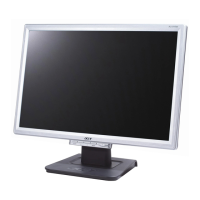
ACER AL1516W



 To Next Page