EasyManua.ls Logo

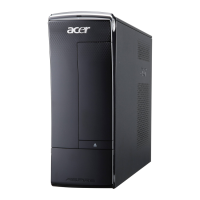
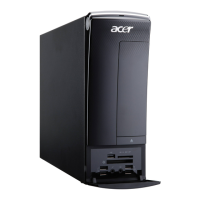
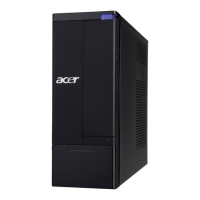
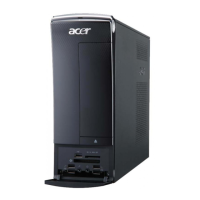
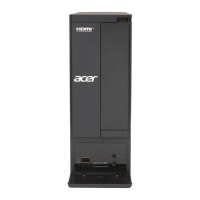
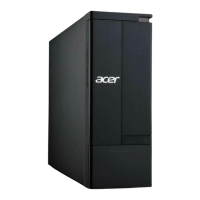
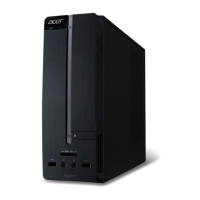
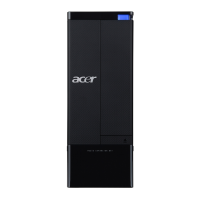
Acer Aspire X3910 - User Manual

Acer Aspire X3910
96 pages
Print Icon
To Next Page IconTo Next Page
Loading...
Acer
Aspire X3910
Service Guide
PRINTED IN TAIWAN
Service guide files and updates are available
on the ACER/CSD web; for more information,
please refer to http://csd.acer.com.tw

Table of Contents

Questions and Answers

  • R
    Robert ColonJul 29, 2025
    What to do if my Acer Aspire X3910 Desktop beeps once long and twice short repeatedly?
    • D
      Dawn SimmonsJul 30, 2025
      If your Acer Desktop emits one long beep followed by two short beeps repeatedly, it typically indicates an issue with the graphics card. Ensure the graphics card is properly installed and functioning correctly.
  • J
    Jaime MortonAug 4, 2025
    How to fix continuous long beep on Acer Aspire X3910 Desktop?
    • S
      Stacey KennedyAug 4, 2025
      If your Acer Desktop is beeping continuously with one long beep, this usually points to a problem with the memory. Verify that the memory modules are correctly installed in their slots.
  • E
    ewebbAug 10, 2025
    What to do if my Acer Desktop makes two short beeps?
    • T
      Timothy ZavalaAug 10, 2025
      If your Acer Desktop emits two short beeps, it means the CMOS is damaged. Replace the CMOS battery or restore the CMOS settings to resolve this issue.
  • E
    Erika ThompsonAug 17, 2025
    Why is my Acer Desktop beeping once long and twice short?
    • A
      Alicia KlineAug 17, 2025
      If your Acer Desktop emits one long beep followed by two short beeps, it suggests that the BIOS is damaged. You should perform BIOS recovery procedures.
  • S
    Sydney ThomasAug 22, 2025
    What to do if my Acer Desktop shows error 1,3?
    • J
      Jennifer FowlerAug 22, 2025
      Reseat the memory modules or replace them with known good ones.

Summary

Chapter 2 System Utilities

BIOS Configuration Settings

Details various BIOS settings like Product Info, Advanced Features, Peripherals, Power, Health, Frequency, Security.

BIOS Recovery Procedure

Step-by-step guide for BIOS recovery.

Chapter 3 System Disassembly

Main Unit Component Removal

Details the sequence and method for removing internal parts.

Chapter 4 System Troubleshooting

Error Indicators: Beep Codes

Explains beep codes for errors.

System Error Messages

Lists and explains various error messages during POST.

Chapter 5 System Block Diagram and Board Layout

Chapter 6 FRU (Field Replaceable Unit) List

Appendix A Technical Specifications

Acer Aspire X3910 Specifications

General IconGeneral
Tcase60.1 °C
Bus typeFSB
SteppingB2
Processor cache4 MB
Processor cores2
Processor modelE6600
System bus rate- GT/s
Processor familyIntel® Core™2 Duo
Processor socketLGA 775 (Socket T)
Processor codenameConroe
Processing Die size143 mm²
Processor frequency2.4 GHz
Processor cache typeL2
Processor lithography65 nm
Processor manufacturerIntel
Processor front side bus1066 MHz
Processor operating modes64-bit
ECC supported by processorNo
Thermal Design Power (TDP)65 W
Number of processors installed1
CPU multiplier (bus/core ratio)9
Number of Processing Die Transistors291 M
Internal memory4 GB
Internal memory typeDDR3-SDRAM
Maximum internal memory8 GB
Memory layout (slots x size)2 x 2 GB
HDD speed7200 RPM
HDD interfaceSATA
Optical drive typeDVD-RW
Card reader integratedYes
Total storage capacity1024 GB
Compatible memory cardsCF, Memory Stick (MS), MMC, MS PRO
Networking featuresGigabit Ethernet
TV tuner integrated-
Graphics card familyNVIDIA
Compliance industry standardsIEEE 802.3, IEEE 802.3u, IEEE 802.3ab
Discrete graphics card modelNVIDIA GeForce GT 310
Maximum graphics card memory- GB
Audio systemHD
Product typePC
Operating system installedWindows 7 Home Premium
USB 2.0 ports quantityUSB 2.0 ports have a data transmission speed of 480 Mbps, and are backwards compatible with USB 1.1 ports. You can connect all kinds of peripheral devices to them.
Firewire (IEEE 1394) ports0
Ethernet LAN data rates10, 100, 1000 Mbit/s
Power supply220 W
Chassis typeSmall Desktop
Product colorBlack
Processor codeSL9S8
Processor ARK ID27250
Processor package size37.5 x 37.5 mm
Weight and Dimensions IconWeight and Dimensions
Depth371 mm
Width100 mm
Height265 mm

Related product manuals