16
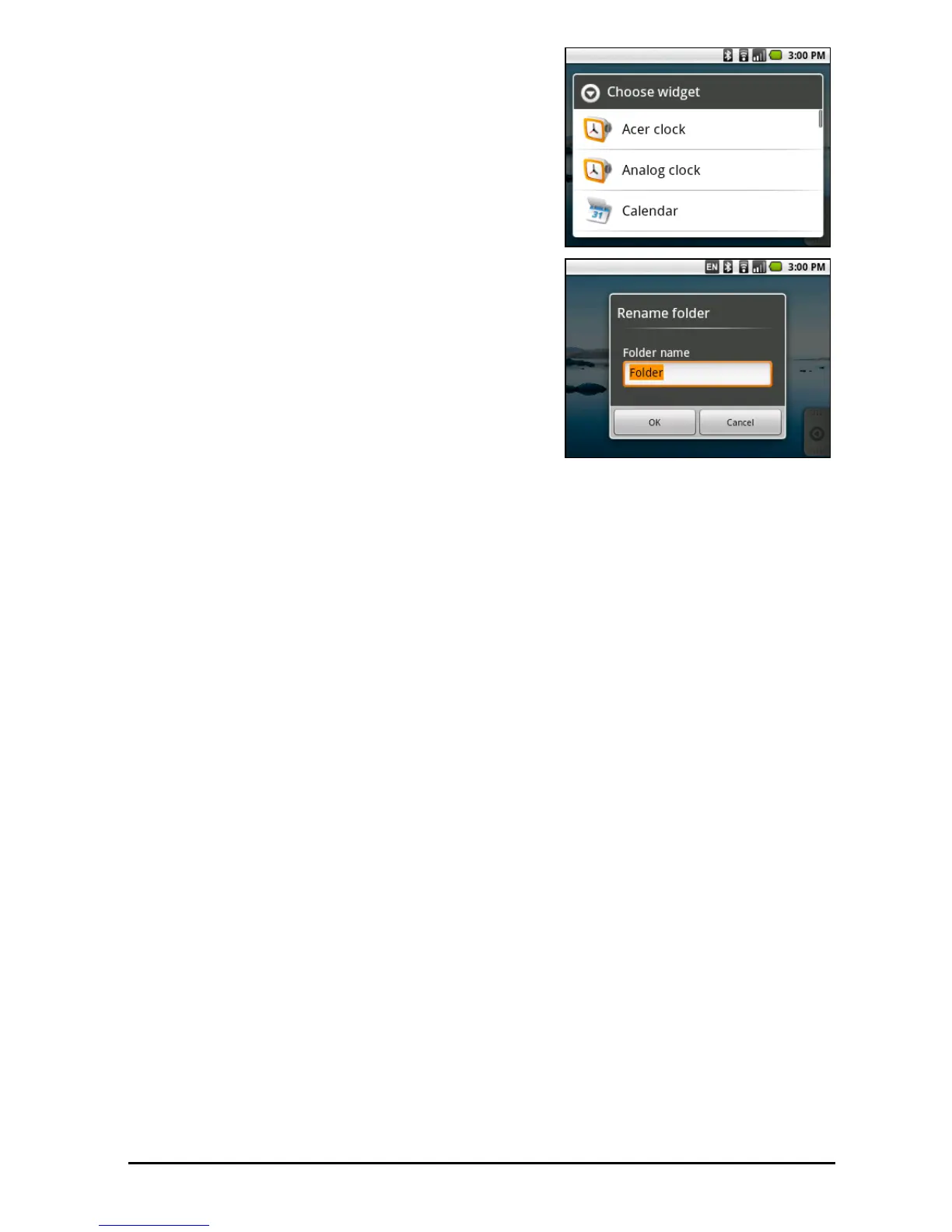
Tap Widgets to open a list of small applications
that you can add to your Home screen.
W
idgets are handy applications that you can
add to your Home screen to display various
information.
You can also add folders to your Home screen.
There are some pre-defined folders available
o
r you can add a New folder. This will be
placed on your Home screen and named
Folder. To change the name of the folder, tap
to open it. Tap and hold the name bar at the
top of the folder window to open a dialog box
that will allow you to rename the folder.



 To Next Page