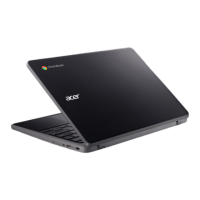
Your Acer Chromebook tour - 11
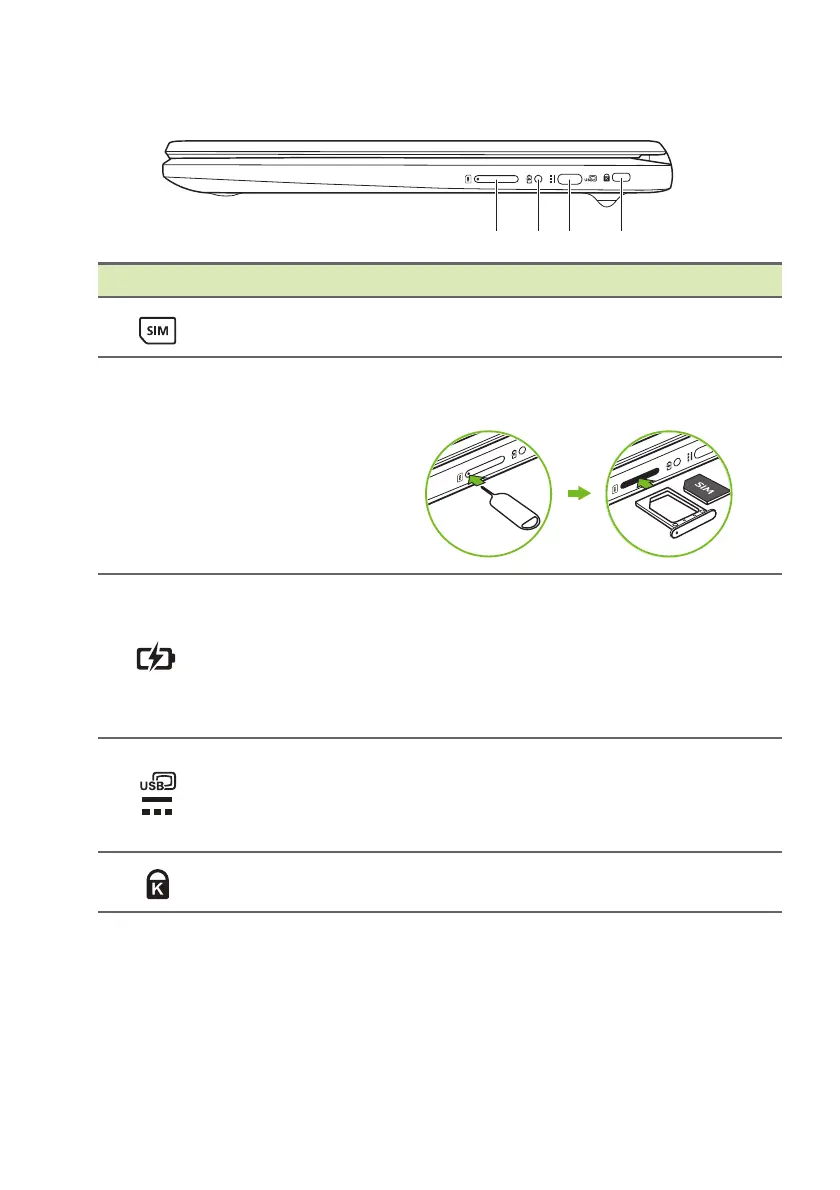
Right view
# Icon Item Description
1
SIM card slot
(optional)
Accepts a Nano SIM card.
Note: The SIM ejection tool diagram is for reference only, actual
p
roduct accessories may vary by specifications.
2 Battery indicator
Indicates the computer’s battery
st
atus.
Charging: The light
shows amber
when the battery is charging.
Fully charged: The ligh
t shows blue
when in AC mode.
3
USB Type-C port
with DC-in
Connects to the provided USB Type-C
p
ower adapter and to USB devices
with a USB Type-C connector.
Supports DisplayPort
™
over USB-C
™
.
4
Kensington lock
slot
Connects to a Kensington-compatible
security lock.




 To Next Page