10 - Your Acer Chromebook tour
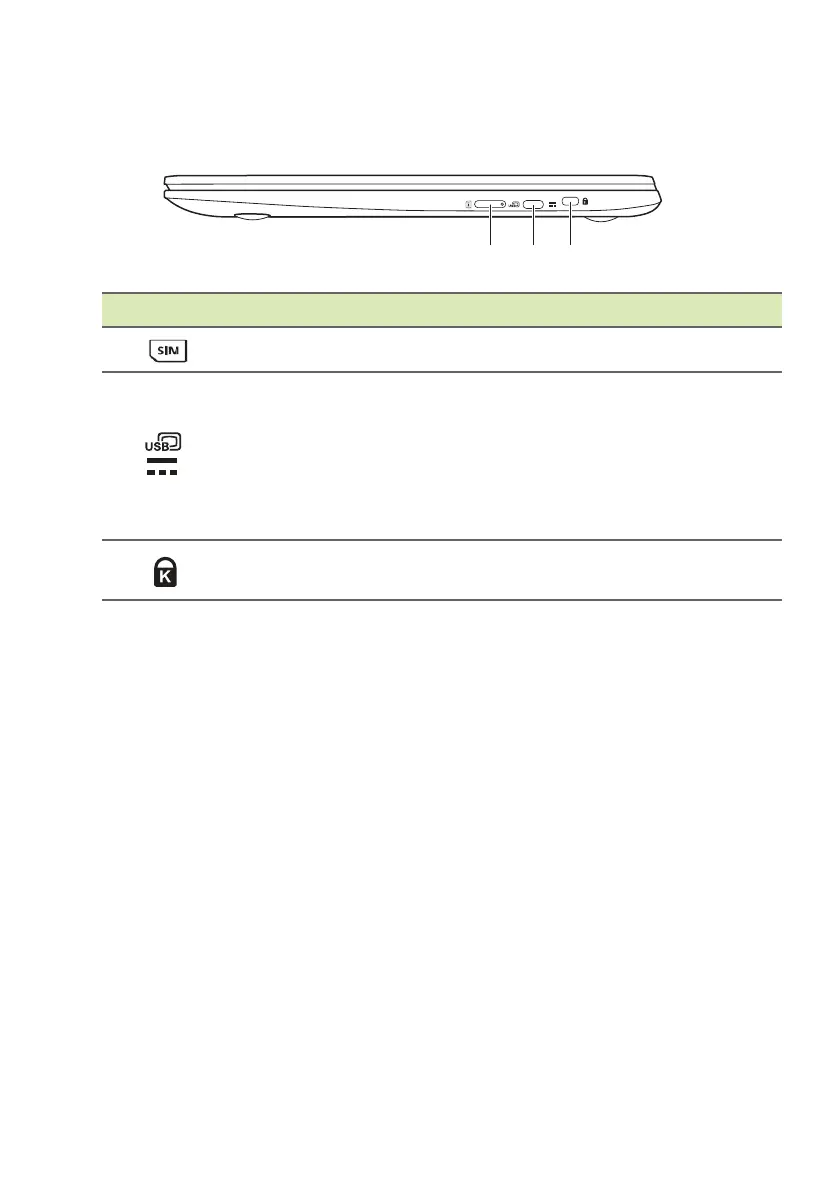
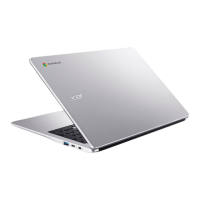
Right view
# Icon Item Description
1
SIM card slot Accepts a nano SIM card.
2
USB Type-C port
with DC-in
Connects to the provided USB
T
ype-C power adapter and to USB
devices with a USB Type-C
connector.
Supports DisplayPort
™
over USB-
C
™
.
3
Kensington lock slot
Connects to a Kensington-
co
mpatible security lock.
USB 3.2 Gen 1 information
• USB 3.2 Gen 1 compatible ports are blue.
• Compatible with USB 3.2 Gen 1 and earlier devices.
• For optimal performance, use USB 3.2 Gen 1-certified devices.
• Defined by the USB 3.2 Gen 1 specification (SuperSpeed USB).
USB Type-C information
• USB 3.2 Gen 1 with transfer speeds up to 5 Gbps.
• Supports DisplayPort
™
audio/video output.
• Delivers up to 3 A at 5 V DC for USB charging.
• DC-in: requires power adapter or power source providing 45 W at
12/18~20 V.
For optimal performance, please use a certified Acer power adapter
or USB Power Delivery device.


 To Next Page