EasyManua.ls Logo

Acer CB272U - Power Saving

Acer CB272U
35 pages
Print Icon
To Next Page IconTo Next Page
To Previous Page IconTo Previous Page
Loading...
English
Connecting the AC Power cord
 
your area.
 

 Plug one end of the AC power cord to the Adapter, and plug the other end into an AC
outlet.
 

 

should have the appropriate safety approvals for the country in which the equipment will
be installed.
Power saving
The monitor will be driven into "Power Saving" mode by the control signal from the display

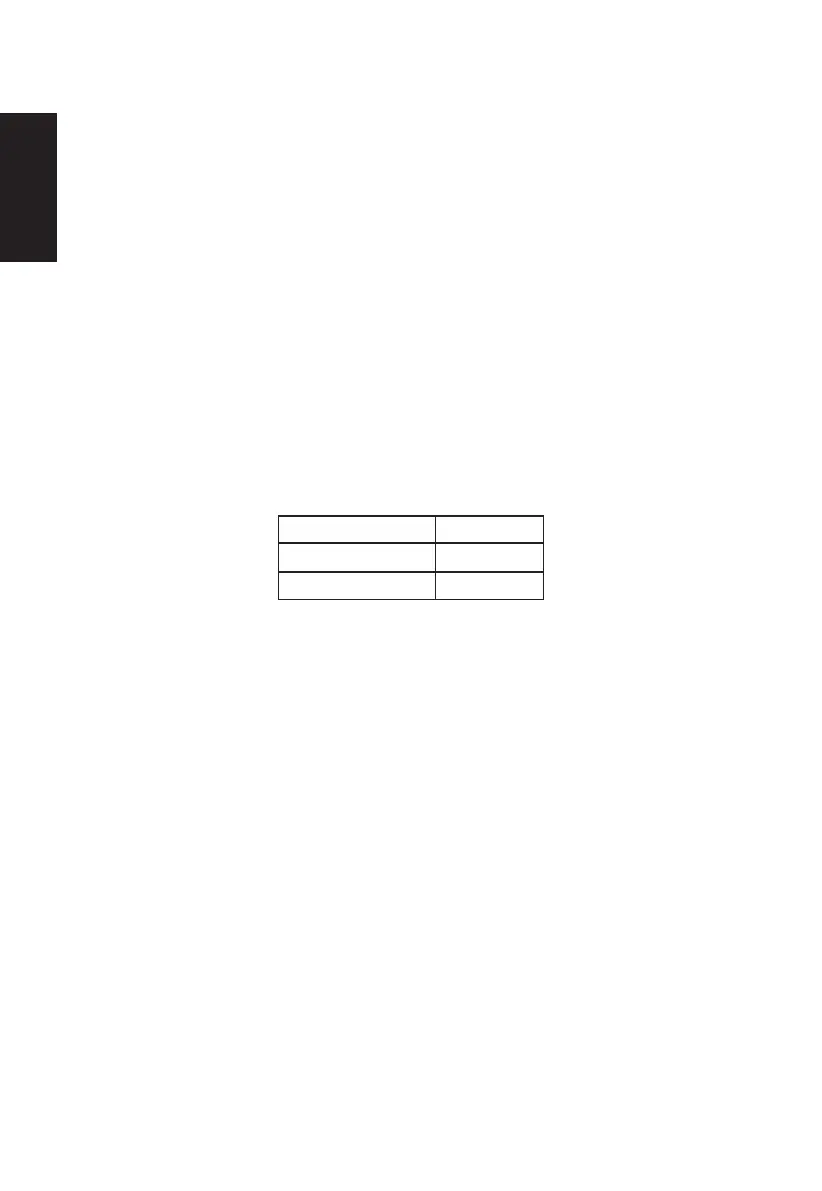
State 
ON Blue
Power Saving Mode Amber
The power saving states will be kept until a control signal has been detected or the keyboard
or mouse is activated. The recovery time from Active OFF state back to ON state is around
3 seconds.


Other manuals for Acer CB272U

Related product manuals