5.4 Network Settings - Advanced settings
Please be aware that changing advanced settings could affect your internet connection.
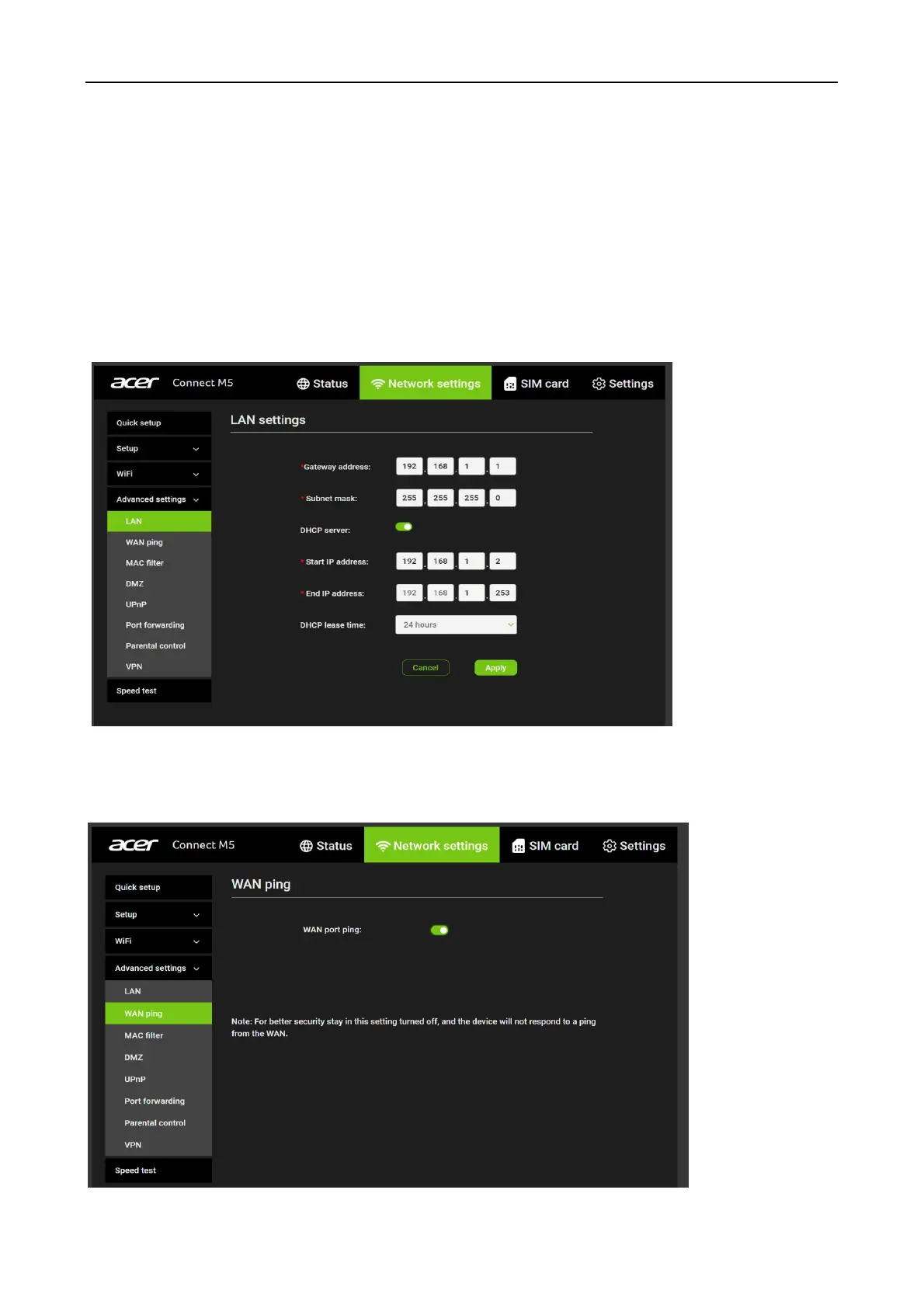
LAN
Local area network (LAN) settings are displayed here. The default Gateway address is
192.168.1.1.
The default Subnet mask is 255.255.255.0.
The DHCP server is enabled by default and will automatically assign IP addresses to devices in
the network.
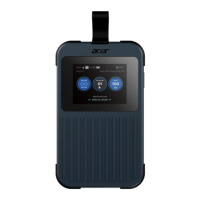
WAN ping
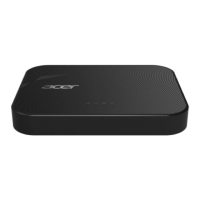
To improve security, this option is disabled and the Acer Connect M5 will not respond to ping
from the Internet.


 To Next Page