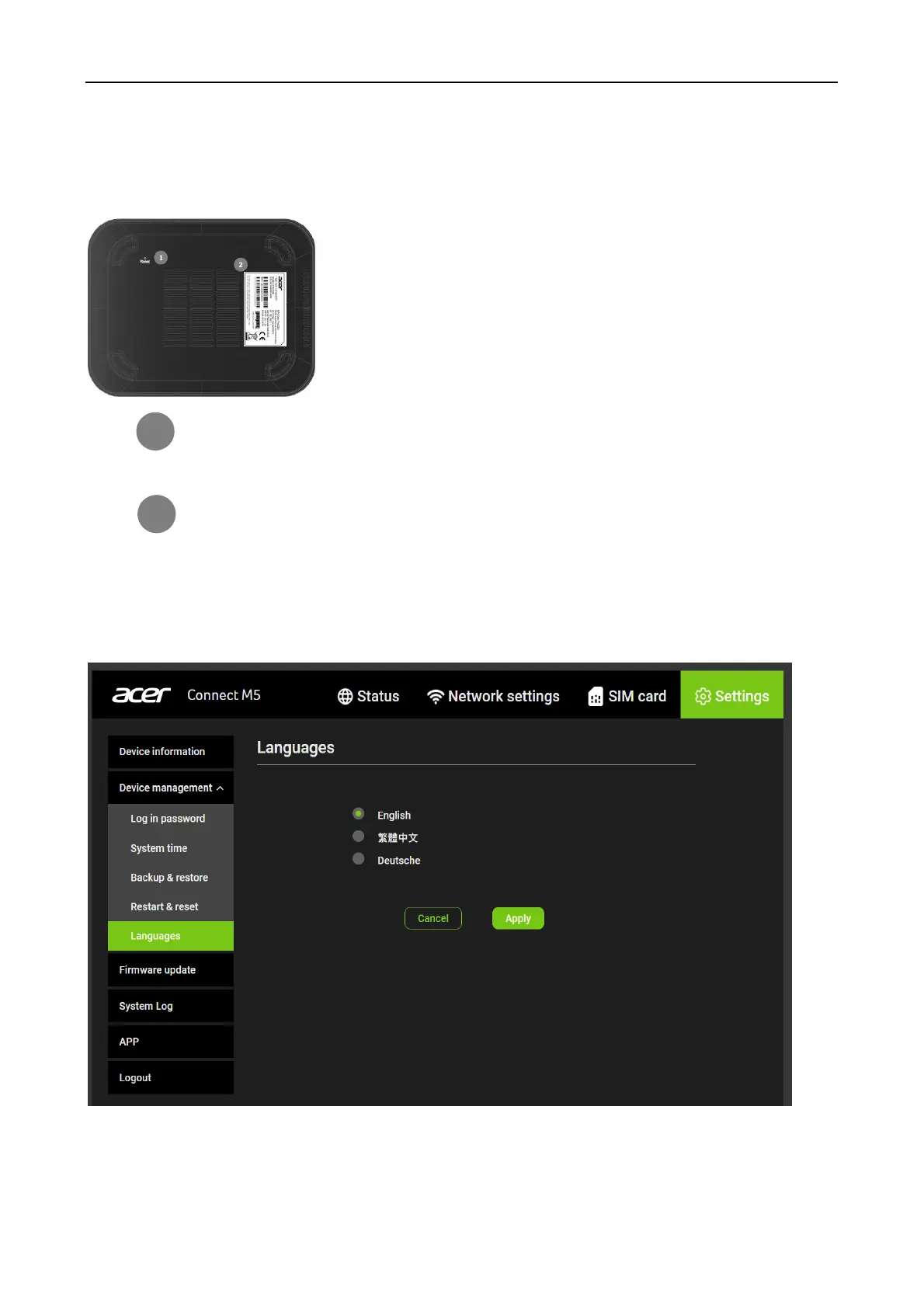
How to factory reset using the button on the device
Use a paperclip or blunt pin to gentle press and hold the reset button on the bottom of the
device for 10 seconds. The Signal LED will flash blue, and then green while the device is
restarted. Note that any custom settings will be reset back to factory defaults.
Device information sticker
Languages
You can change system language here.



 To Next Page