Digital Camera >>
14-E
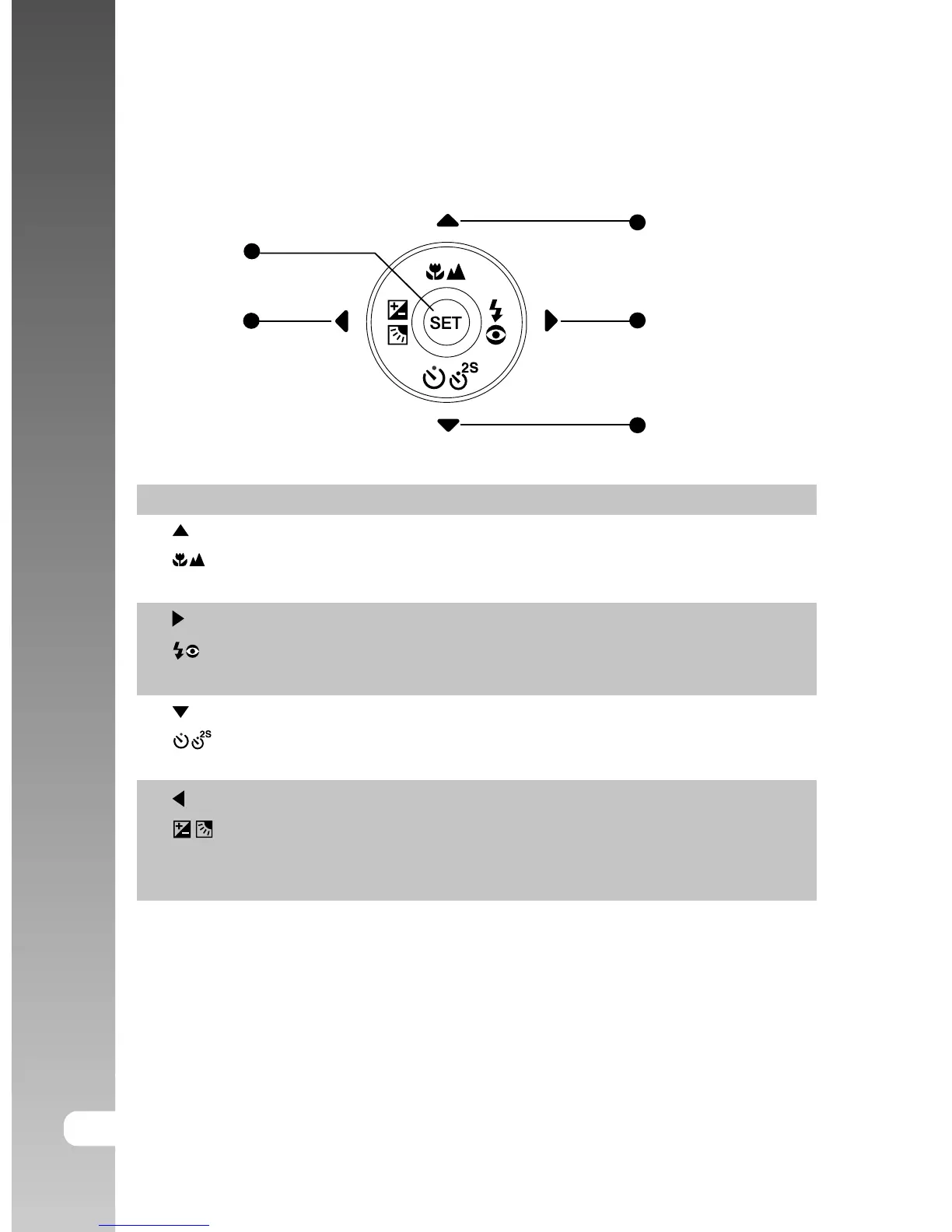
SET /Direction button
# Name Description
1. button Scrolls upwards.
Focus button Allows you to choose the appropriate focus
setting.
2. button Scrolls right.
Flash button Allows you to choose the appropriate flash
setting.
3. button Scrolls downwards.
Self-timer button Allows you to toggle the self-timer on and
off, selects the desired self-timer mode.
4. button Scrolls left.
Exposure compensation Allows you to toggle the exposure
/ Backlight correction button compensation / backlight correction on and
off.
5. SET button Enters the menu page and confirms the
chosen setting.
1
2
3
4
5



 To Next Page