User’s Manual >>
E-23
Turning the Power On/Off
Load the battery and insert an SD card before starting.
Turning the power on
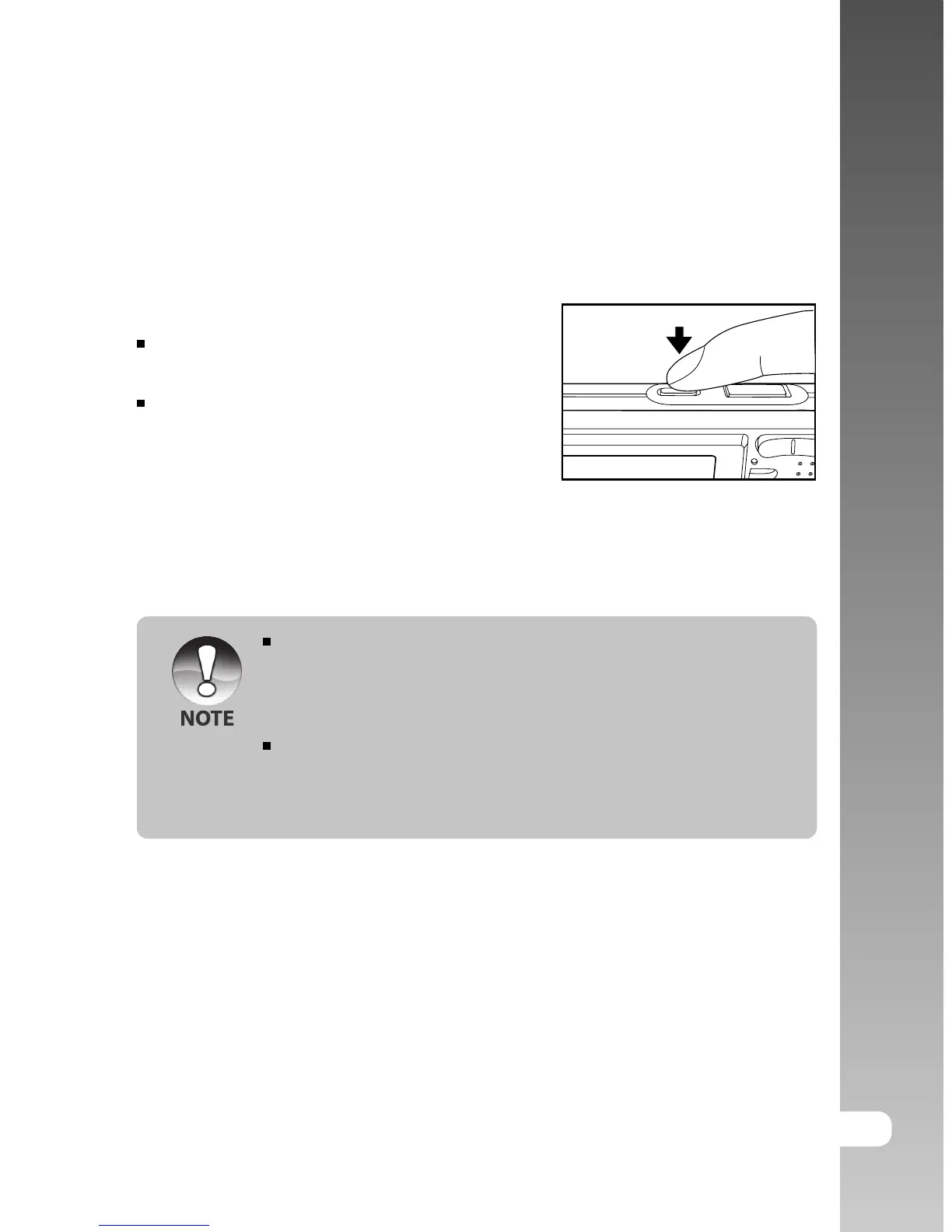
Press the POWER button to turn the power on.
The status LED lights green and the
camera is initiated.
When the power is turned on, the camera
will start in the mode that was set.
Turning the power off
Press the POWER button to turn the power off.
The power is turned off automatically when the camera has not been
operated for a fixed period time. To resume the operation condition, turn
the power on again. Refer to section in this manual titled “Auto OFF” in
the Setup Menu (In Photography Mode) for further details.
After the power is turned on, it may take several seconds to charge the
flash. While the flash is being charged, the status LED lights orange,
and then the camera is not yet ready for photography. Start photography
after the status LED is turned off.



 To Next Page