User’s Manual >>
E-33
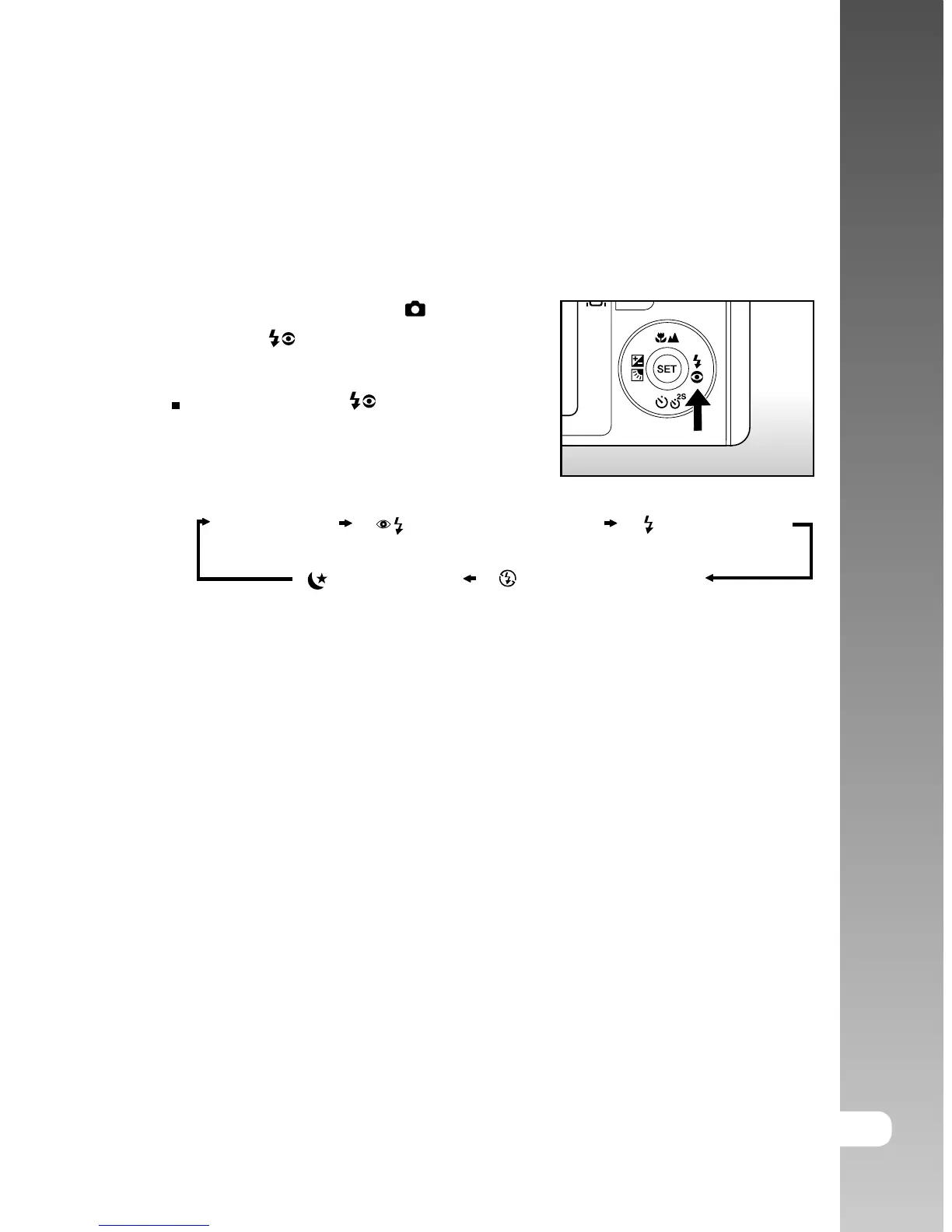
Setting the Flash
Set the flash for taking photographs. The flash firing mode can be set to suit for
the photographic conditions.
1. Slide the mode switch to [ ].
2. Toggle the button to select the desired
flash mode.
Each press of the button moves the
icon one step through the sequence and
displays it on the screen.
[ Blank ] Auto [ ] Red-eye Reduction [ ] Forced Flash
[ ] Night Scene [ ] Suppressed Flash



 To Next Page