Using Your Camera
9
Downloading photos from camera
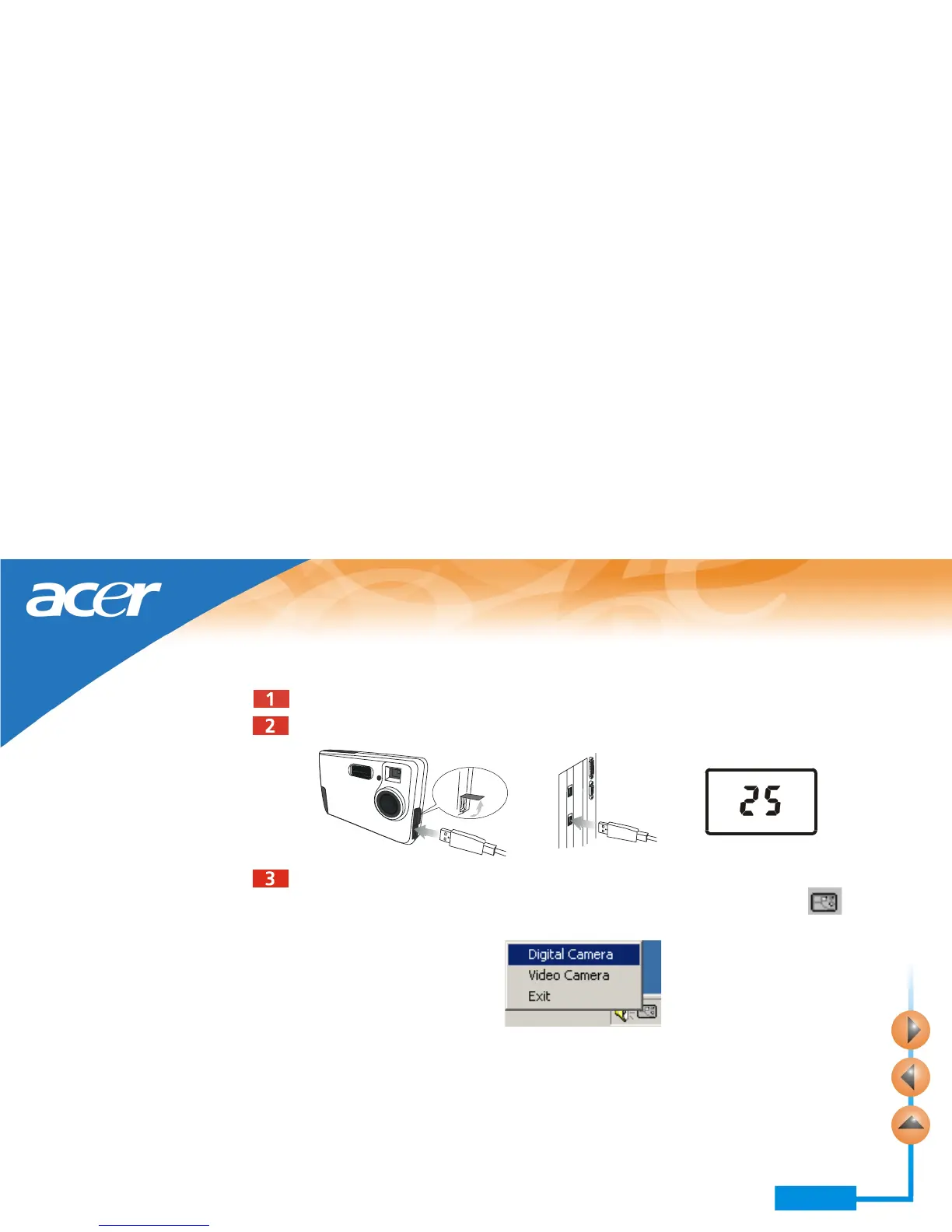
Turn on the power of the camera by pressing the POWER button.
Refer to the illustration below to connect the camera to PC using the USB cable. When
connected, the number of images in camera memory will appear on the status display.
Power on your computer.
Click the Start button on Windows Taskbar, and choose Pro-
grams > Acer DC 300 > DC300 Digital Camera. Or, right-click on the icon on
Windows Taskbar and select “Digital Camera” in the submenu that appears.



 To Next Page