Using Your Camera
8
Managing photos in camera
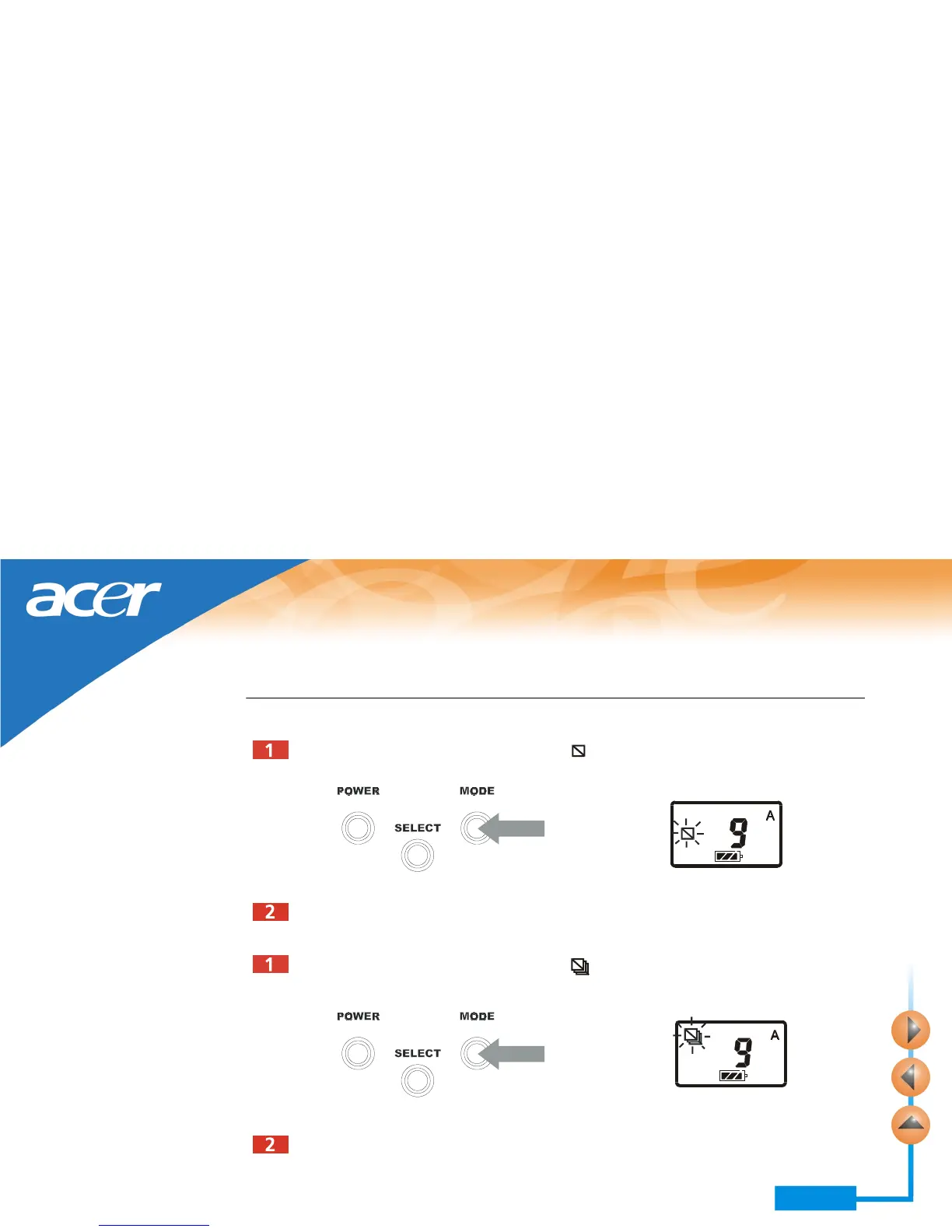
Deleting the last photo taken
Press the MODE button 4 times. The icon flashes on the status display.
Press and hold the shutter for 1 second. The last photo taken will be deleted.
Deleting all photos
Press the MODE button 5 times. The icon flashes on the status display.
Press and hold the shutter for 1 second. All photos in camera memory will be deleted.



 To Next Page