Using Your Camera
25
The video camera mode
The video camera mode allows you to capture motion video and save it as a video file.
Note: Make sure the Presto! VideoWorks software is installed. If not, please install it
first.
Using Digital Camera 300 as a video camera
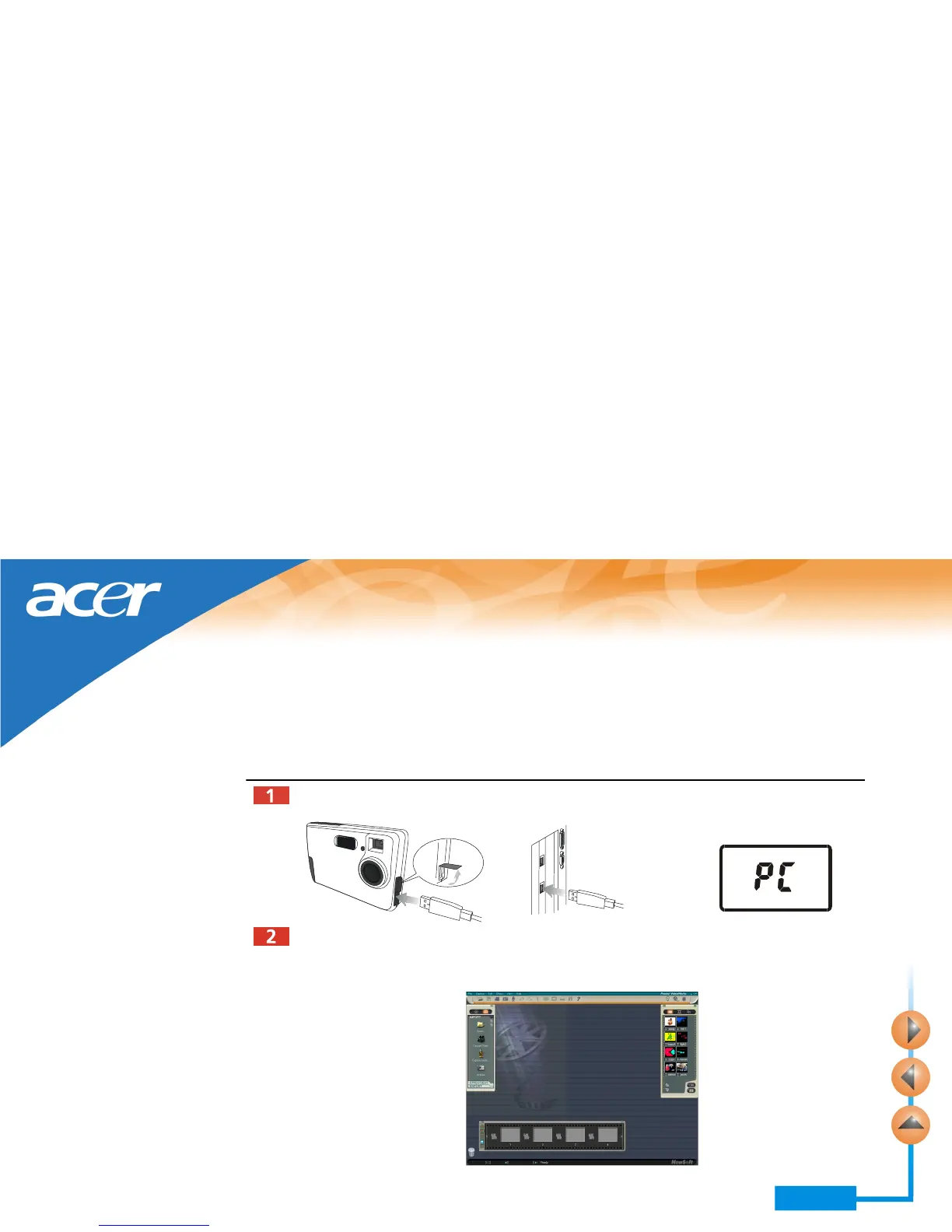
Refer to the illustration below to connect the camera to PC using the USB cable. “PC”
will appear on the status display.
Power on the computer. Click the Start button on Windows Taskbar, and choose Pro-
grams, Presto! VideoWorks 4.x, then Presto! VideoWorks. The following Video-
Works main screen will appear.



 To Next Page