Using Your Camera
21
Video settings
Video format
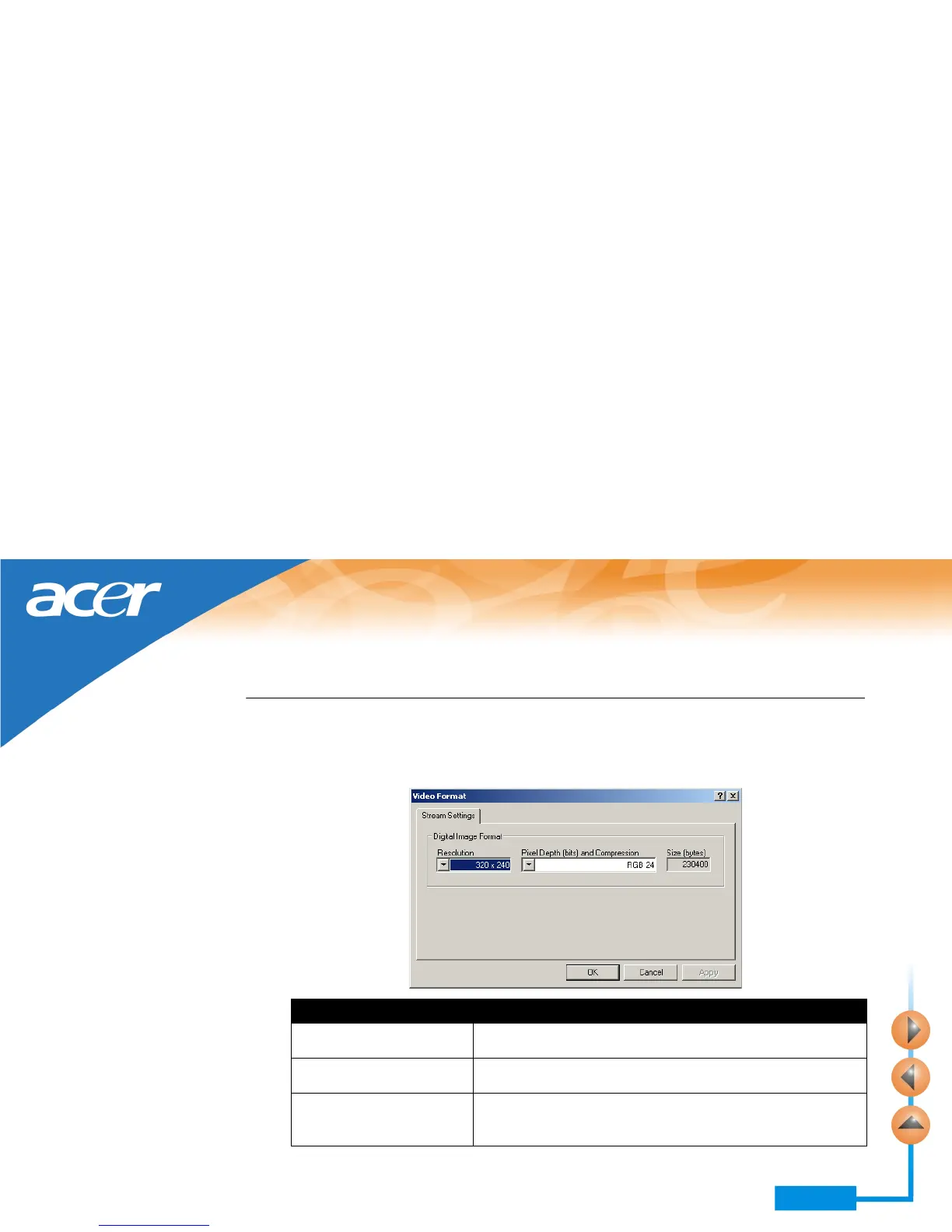
Click the Video Format button in the PC Camera window. The following Video For-
mat window will appear.
Items Function/meaning
Resolution Click in the drop-down listbox to select different resolution for
viewing in the PC Camera window.
Pixel depth and compression Selects the pixel depth and compression of the image in the PC
Camera window.
Size Shows corresponding size of the captured image file according
to the selection in Resolution and Pixel depth/compression
options.



 To Next Page