Using Your Camera
22
Video source
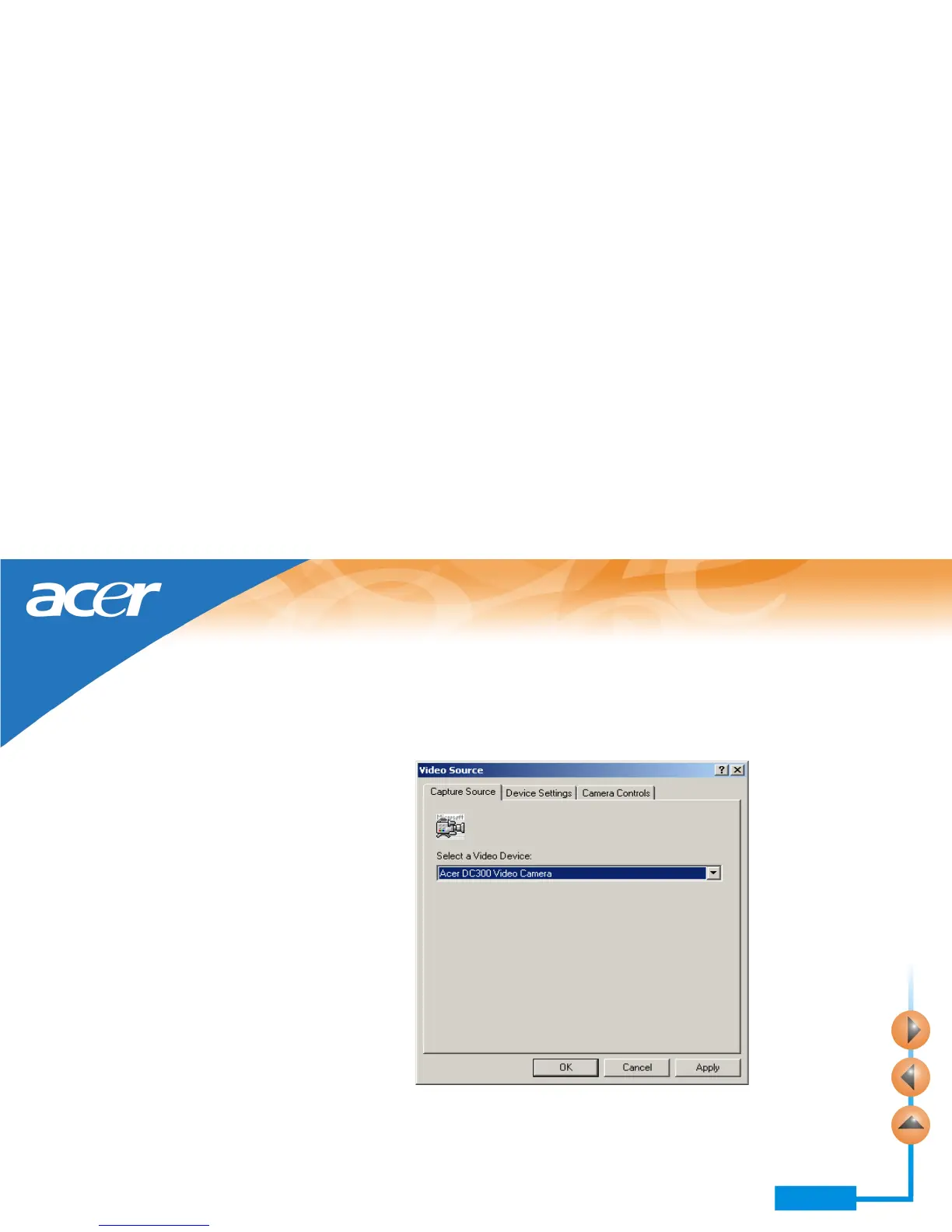
Click the Video Source button in the PC Camera window. The following Video
Source window will appear.
Options in the Capture Source tab
This tab allows you to select a video input source. If you have multiple devices installed
in your system, device names will appear in the drop-down listbox and you can click to
choose one of them to use with the digital camera driver.



 To Next Page