Using Your Camera
23
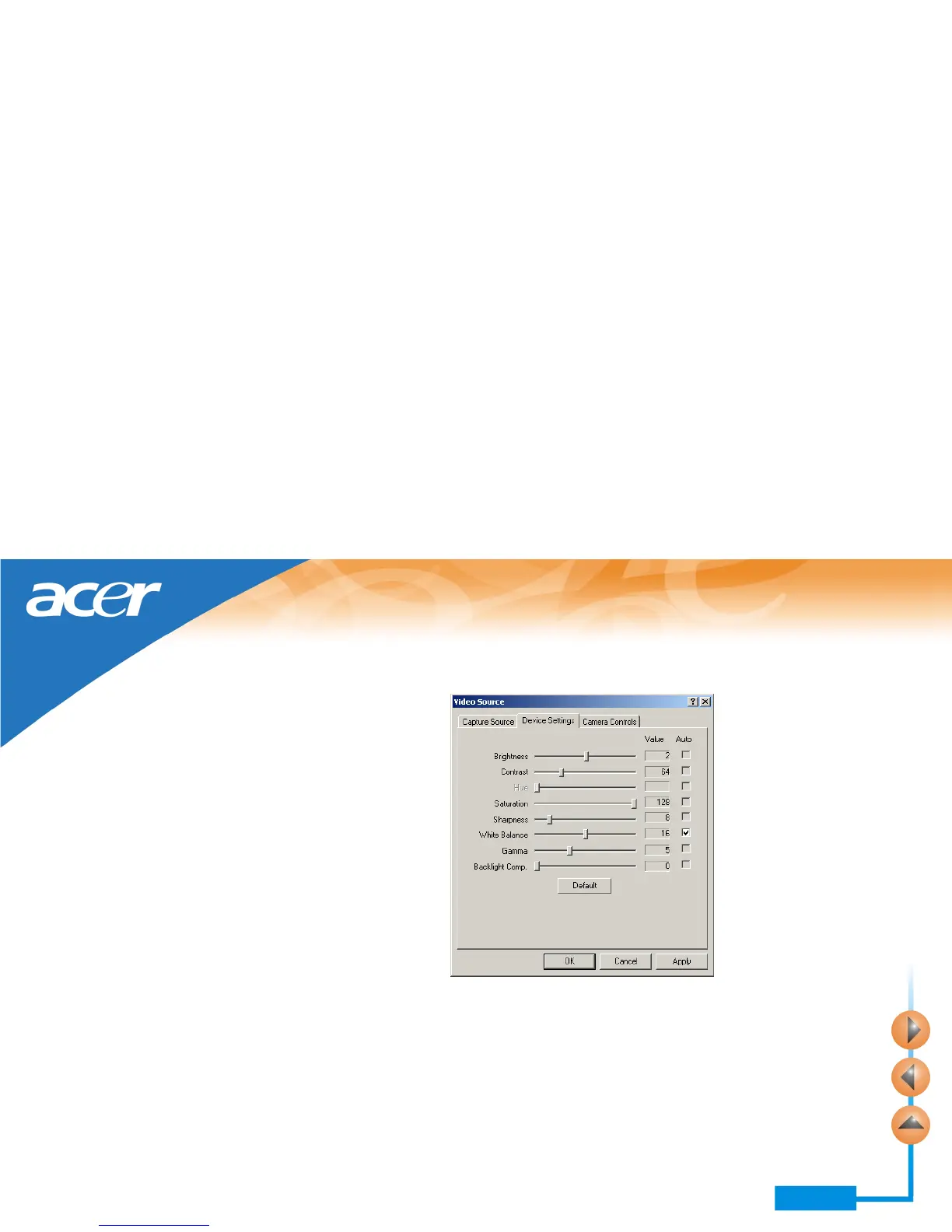
Options on the Device Settings tab
On this tab, you can adjust the saturation, brightness, contrast and sharpness..., etc. of
the image in PC mode. Drag the slider of each item to adjust.
Click Default button to reset the settings to default values.



 To Next Page