Using Your Camera
17
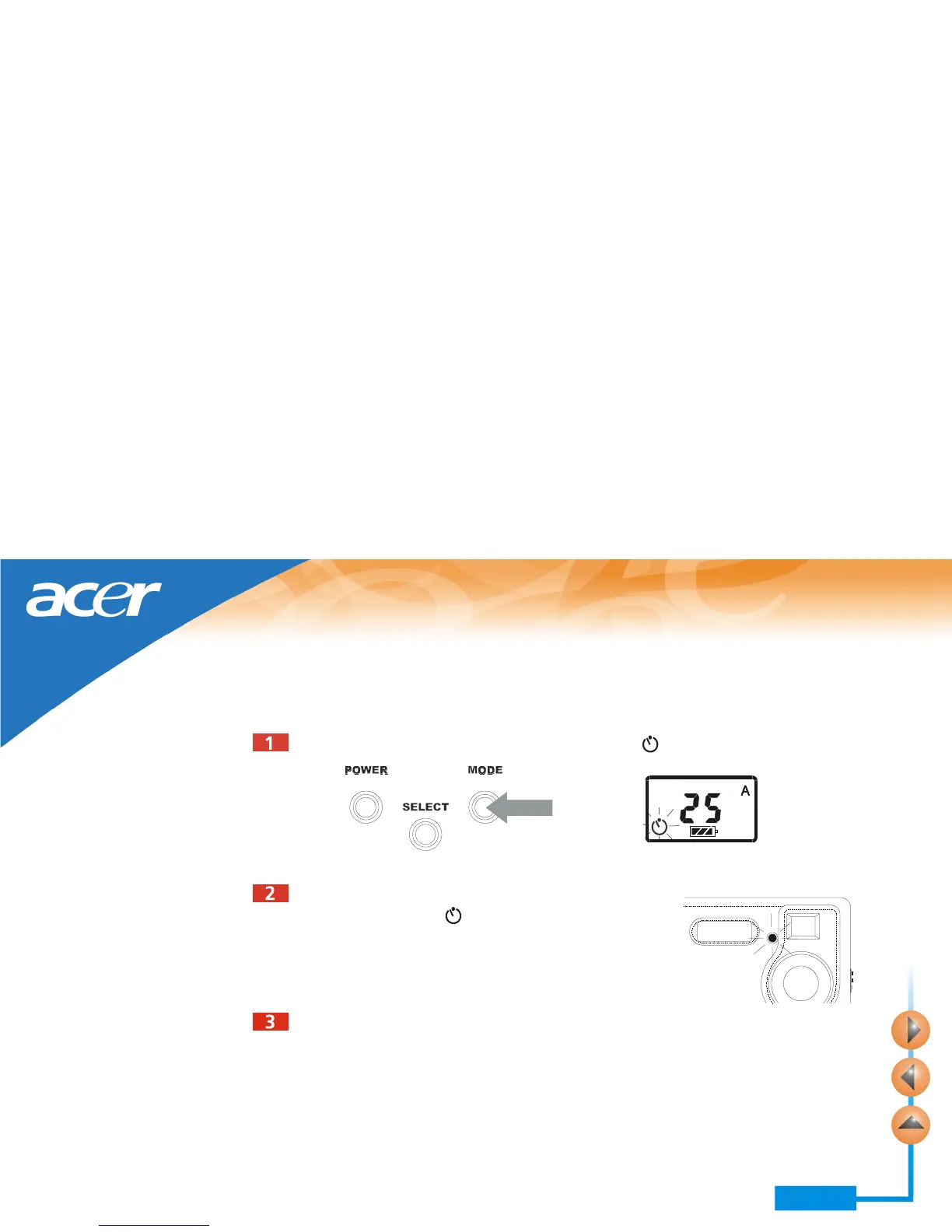
Enabling self-timer
The self-timer function allows you to let the camera take pictures 10 seconds after the
shutter is pressed. To enable self-timer:
Press the MODE button 3 times. The self-timer icon will flash.
After10 seconds, the camera will take picture automatically.
Press the shutter and the camera will start generating
beep sound. The icon flashes and the self-timer
activation indicator blinks.



 To Next Page