2
English
Enabling your wireless devices
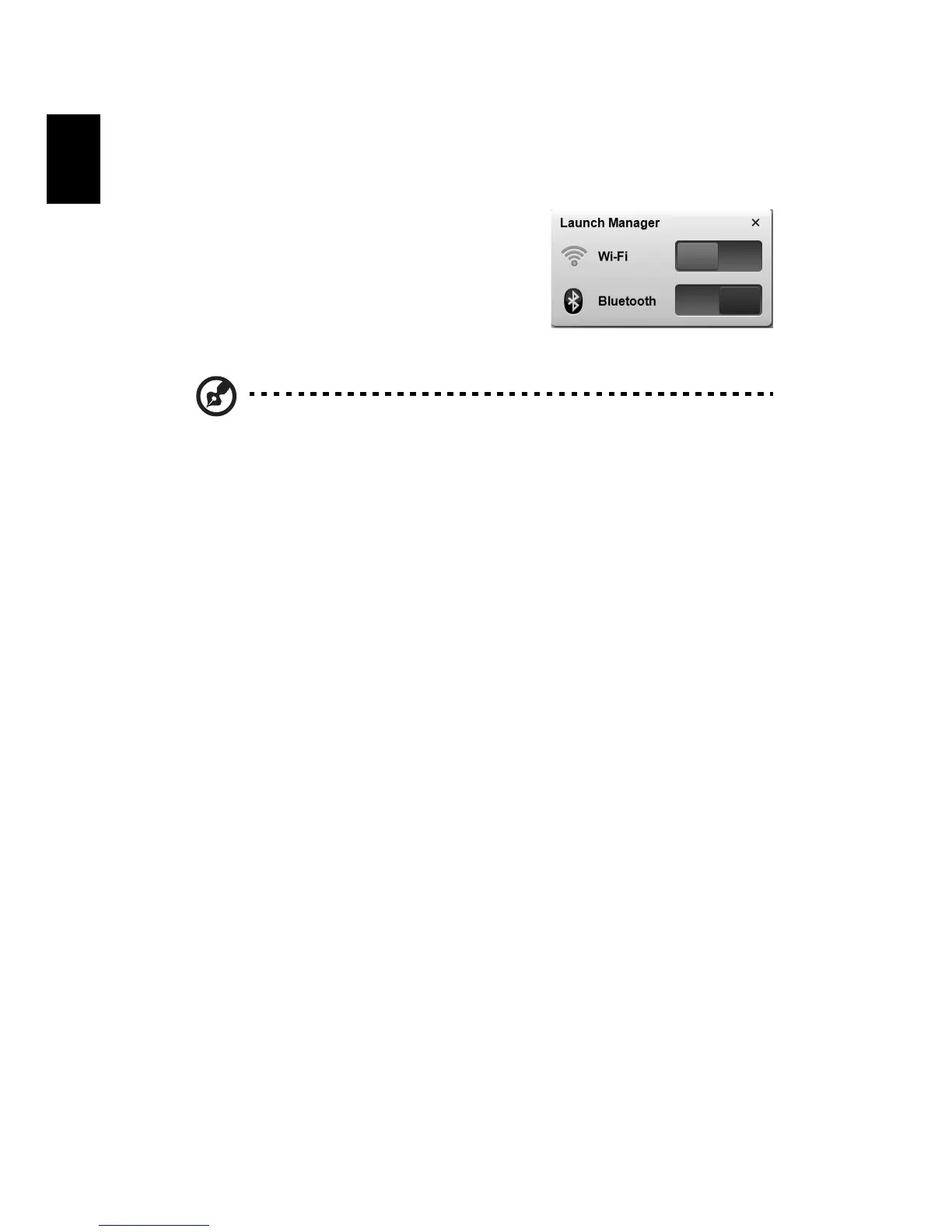
The Launch Manager allows you to enable and disable the various wireless
connectivity devices on your computer.
Press <Fn> + <F3> to bring up the Launch
Manager window panel.
A red toggle indicates the device is off.
• Click the red toggle to turn the device on.
A green toggle indicates the device is on.
• Click the green toggle to turn the device off.
Note: Communication devices may vary by system configuration.
Remember to access the respective wireless devices' configuration
panel for additional options.


 To Next Page
 Loading...