20
English
Expanding through options
Your notebook PC offers you a complete mobile computing experience.
Connectivity options
Ports allow you to connect peripheral devices to your computer as you would
with a desktop PC. For instructions on how to connect different external devices
to the computer, read the following section.
Built-in network feature
The built-in network feature allows you to connect your computer to an
Ethernet-based network.
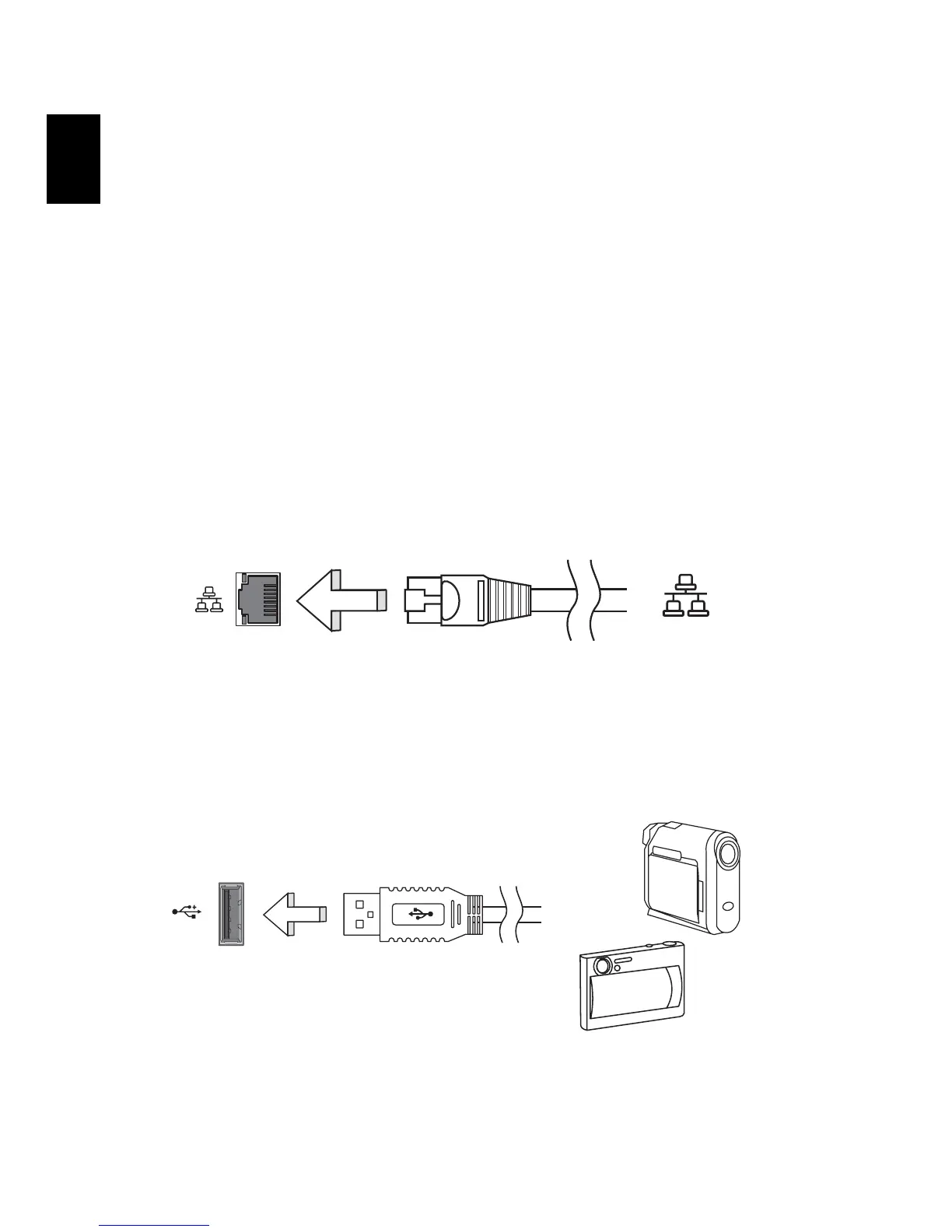
To use the network feature, connect an Ethernet cable from the Ethernet
(RJ-45) port on the chassis of the computer to a network jack or hub on
your network.
Universal Serial Bus (USB)
The USB 2.0 port is a high-speed serial bus which allows you to connect USB
peripherals without taking up precious system resources.


 To Next Page
 Loading...