10 - Your Acer notebook tour
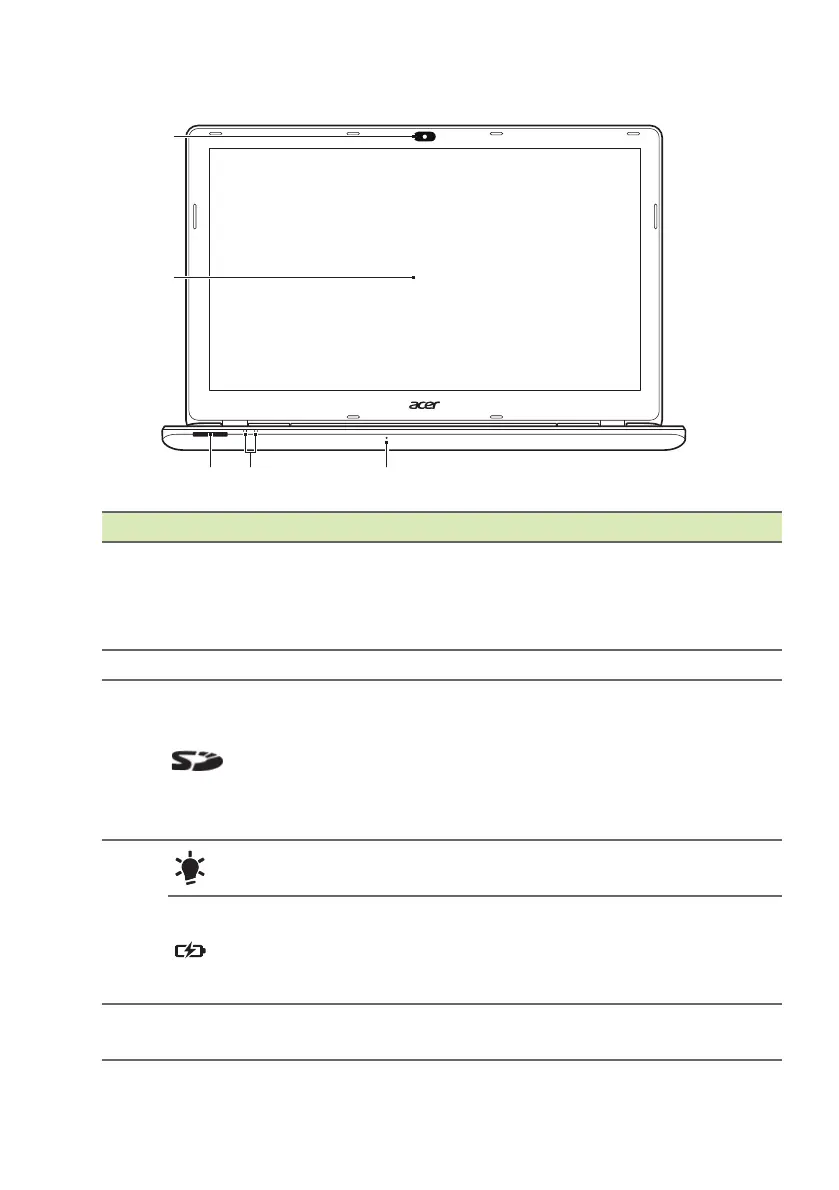
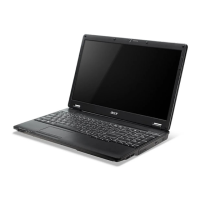
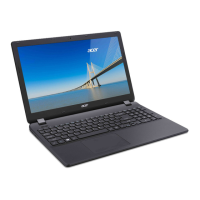
Screen view
# Icon Item Description
1 Webcam
Web camera for video
communicat
ion.
A light next to the webcam indicates
that the
webcam is active.
2 Screen Displays computer output.
3
SD card reader
Accepts one Secure Digital card (SD
or SD
HC).
To remove the card, simply pull it
from th
e slot. The card sticks from
the side of the computer. Ensure you
don’t damage your card.
4
Power indicator
Indicates the computer’s power
st
atus.
Battery indicator
Indicates battery status.
Charging: The
light is amber when
the battery is charging.
Fully charged: The
light is blue.
5 Microphone
Internal stereo microphone for sound
recording.





 To Next Page