EasyManua.ls Logo

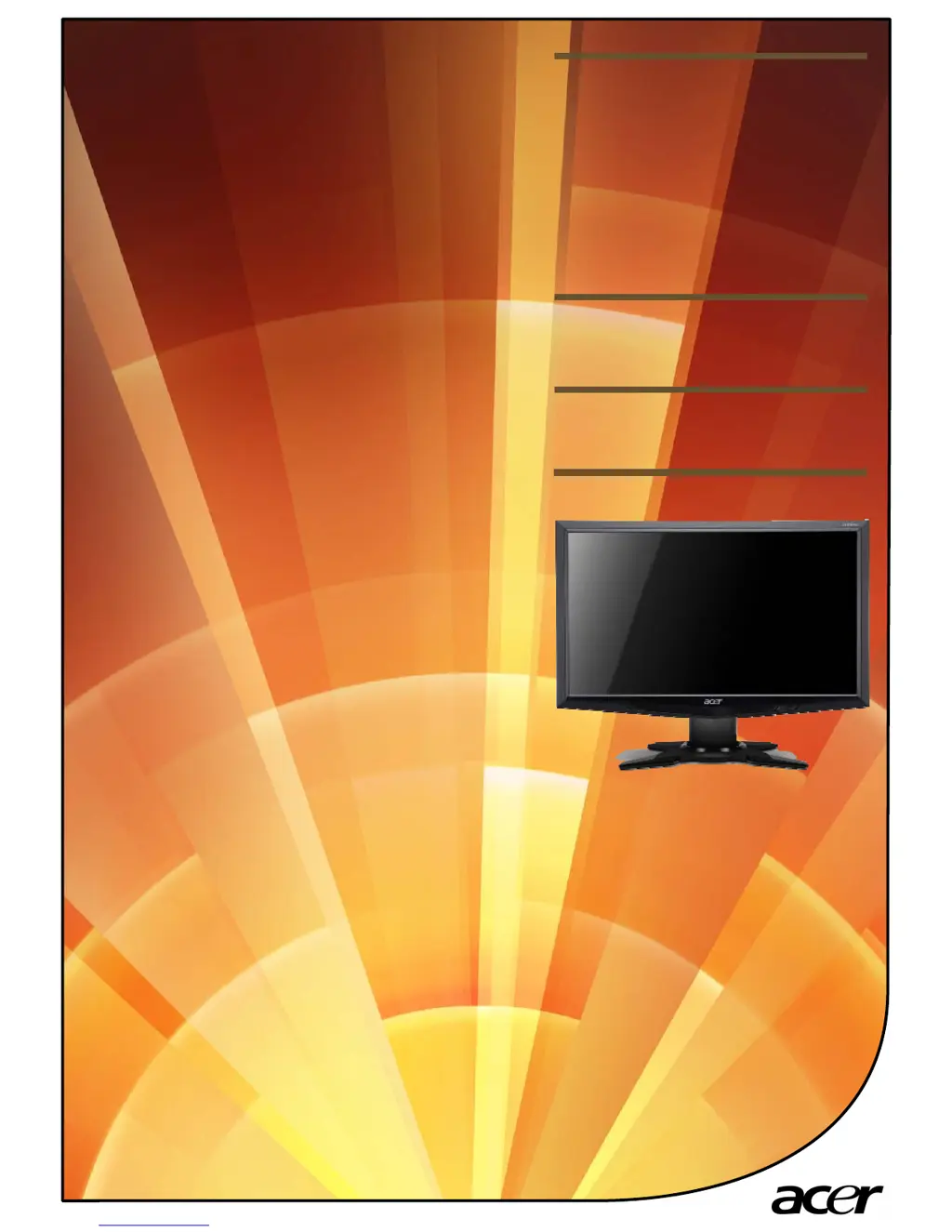
Acer G235H - User Manual

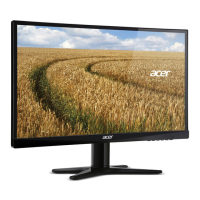
Acer G235H
4 pages
Print Icon
To Next Page IconTo Next Page
Loading...
Product
Launch
Summary
G235H
Acer

Other manuals for Acer G235H

Questions and Answers

  • C
    Carmen BoyerJul 26, 2025
    What to do if my Acer Monitor has no picture?
    • A
      Andrew WatsonJul 26, 2025
      If the LED on your Acer Monitor displays an amber color, it indicates a potential issue with the video signal cable. Ensure the video signal cable is securely connected to the back of the monitor. If the LED is off, check the power switch and make sure the AC power cord is properly connected to the monitor. Also, verify that the computer system is powered on. If the LED is on, use the OSD to adjust the brightness and contrast to the maximum or reset them to their default settings.
  • Q
    qwilliamsAug 5, 2025
    Why is my Acer Monitor displaying an abnormal picture?
    • R
      Raymond AllenAug 5, 2025
      If the display on your Acer Monitor is missing, shifted to the center, or appears too small or too large, use the OSD to adjust the RESOLUTION, CLOCK, CLOCK-PHASE, H-POSITION, and V-POSITION settings, especially when using non-standard signals. If you are missing a full-screen image, use the OSD to select a different resolution or vertical refresh timing. If the picture is unstable, verify that the graphics adapter and monitor specifications are compatible to avoid input signal frequency mismatch. After adjusting the image size, wait a few seconds before changing the signal cable or powering off the monitor.
  • C
    Craig BennettAug 14, 2025
    How to fix abnormal sound on Acer G235H Monitor?
    • B
      Barbara HolmesAug 14, 2025
      If you experience no sound or the sound level is too low on your Acer Monitor (audio-input model), first check that the audio cable is properly connected between the monitor and the host PC. Also, verify that the volume setting on the host PC is not set to the minimum. If it is, try increasing the volume level on your computer.

Acer G235H Specifications

General IconGeneral
Screen Size23 inches
Resolution1920 x 1080
Panel TypeTN
Aspect Ratio16:9
Contrast Ratio1000:1
Response Time5 ms
ConnectivityVGA, DVI
Viewing Angle170° horizontal, 160° vertical

Related product manuals