EasyManua.ls Logo

Acer G246HL - User Manual

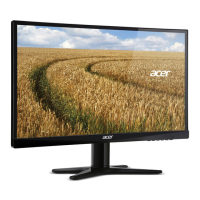
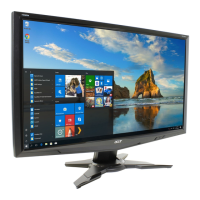
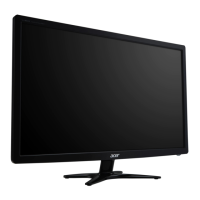
Acer G246HL
29 pages
Print Icon
To Next Page IconTo Next Page
Loading...
User Guide
Acer LCD Monitor

Questions and Answers

  • J
    John JeffersonJul 26, 2025
    What to do if my Acer G246HL Monitor has no picture?
    • R
      Ralph GrahamJul 26, 2025
      If your Acer Monitor displays no picture, verify that the AC power cord is properly connected to the monitor and that the video signal cable is securely connected at the back. Ensure that the computer system is powered on and that the power switch on the monitor is also on. You can also try using the OSD to adjust the brightness and contrast to the maximum level or reset them to their default settings.
  • G
    Gabrielle HowellAug 9, 2025
    Why does my Acer Monitor have an abnormal picture?
    • M
      Michael MartinezAug 9, 2025
      If your Acer Monitor displays an abnormal picture, ensure that the graphics adapter and monitor specifications are compatible to avoid input signal frequency mismatch. For non-standard signals, use the OSD to adjust RESOLUTION, CLOCK, CLOCK-PHASE, H-POSITION, and V-POSITION. If the full-screen image is missing, use the OSD to select another resolution or vertical refresh timing. After adjusting the image size, wait a few seconds before changing the signal cable or powering off the monitor.

Acer G246HL Specifications

General IconGeneral
Screen Size24 inches
Resolution1920 x 1080
Panel TypeTN
Aspect Ratio16:9
Refresh Rate60 Hz
Response Time5 ms
Brightness250 cd/m²
Contrast Ratio1000:1
VESA Mount Compatibility100 x 100 mm
PortsDVI, VGA
Viewing Angle170° (horizontal), 160° (vertical)

Related product manuals