First things first
Maintaining your Acer n300
vii
Resetting your Acer n300
You may have to perform a reset if your handheld no longer responds to the buttons
on the screen.
Performing a soft reset
A soft reset allows your handheld to get a fresh start, similar to rebooting a computer.
To perform a soft reset:
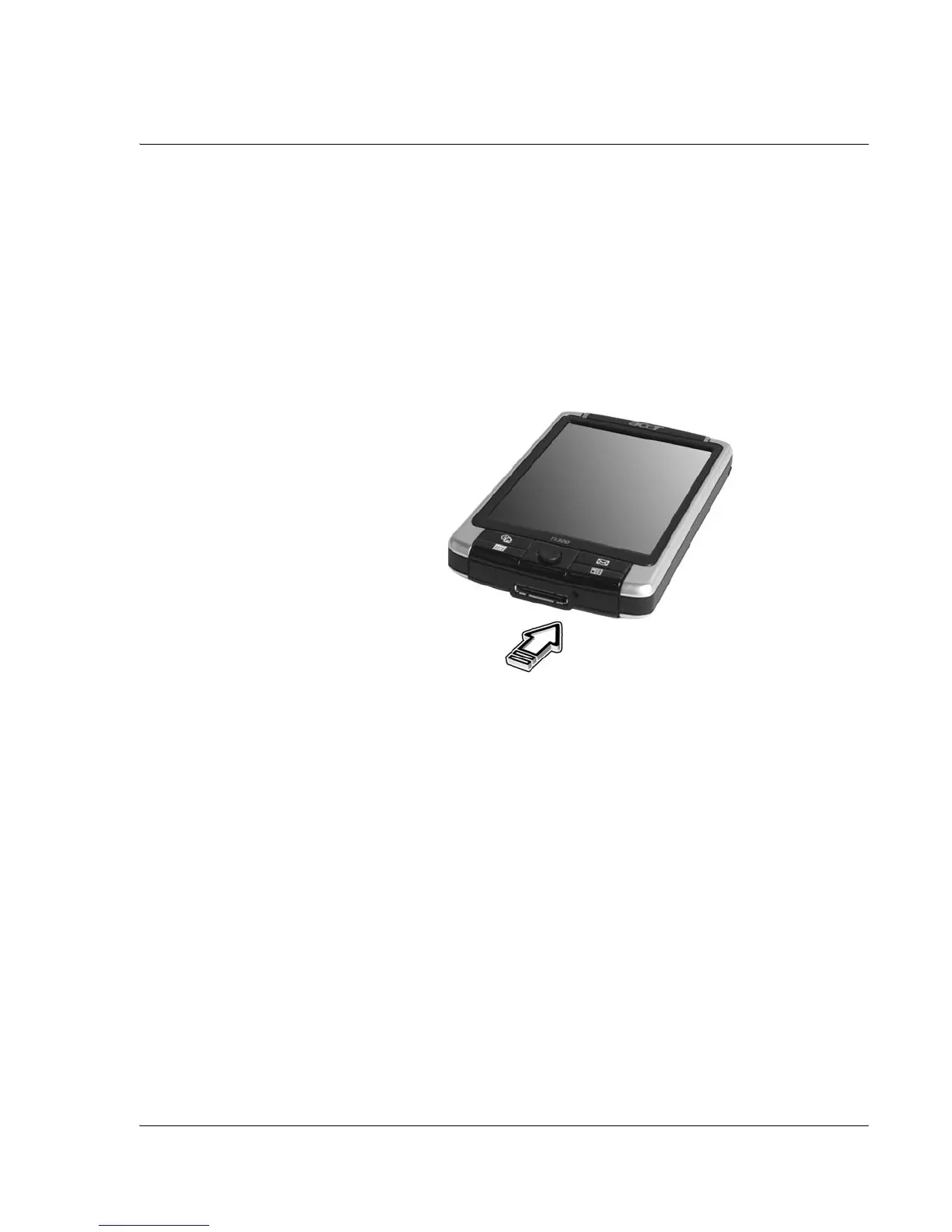
• Using the tip of your stylus, lightly press the reset button inside the hole on
the bottom of your handheld.
Performing a hard reset
A hard reset will erase all records and entries stored in your handheld. Never perform
a hard reset unless a soft reset does not correct your problem. To perform a hard reset:
1. Press and hold the Today and Messaging (a) buttons on your Handheld.


 To Next Page