Information on USB 3.0
• Defined by the USB 3.0 (SuperSpeed USB) specification.
• Devices without USB 3.0 certification may not be compatible.
Notes on port functionality
1 Acer ProDock port functionality will follow the standard supported by the
attached device.
2 Ports are enabled on the Acer ProDock and the notebook, and can be used
concurrently.
3 Support USB charging when the notebook is turned off.
4 Ports are enabled only on Acer ProDock; they are disabled on the
notebook.
5 Acer ProDock supports multiple monitors; however, the HDMI and DVI
ports cannot be used at the same time.
6 Ports on both the Acer ProDock and notebook are enabled, but only one
set of ports can be used at any time.
4
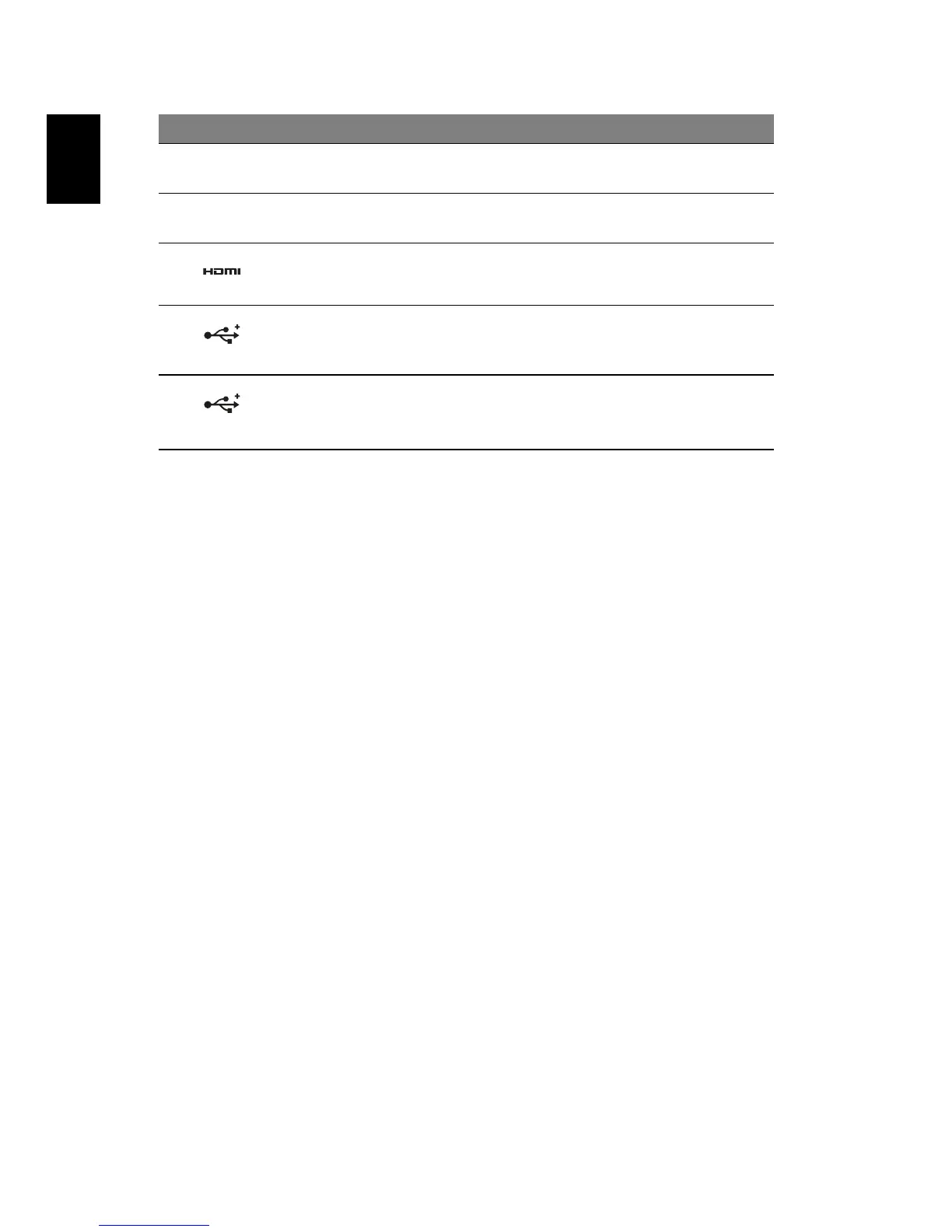
DVI port
1, 4, 5
Supports high-definition digital video
connections.
5
DisplayPort
1, 5
Supports high-definition digital video
connections.
6
HDMI port
1, 4, 5
Supports high-definition digital video
connections.
7
USB 3.0 ports
1, 2
Connect to USB devices.
USB 3.0 ports can be distinguished by the
blue connector.
8 USB 3.0 ports with
USB charging
function
1, 2, 3
Connect to USB devices.
USB 3.0 ports can be distinguished by the
blue connector.
# Icon Item Description



 To Next Page