Your Acer Chromebook tour - 5
YOUR ACER CHROMEBOOK TOUR
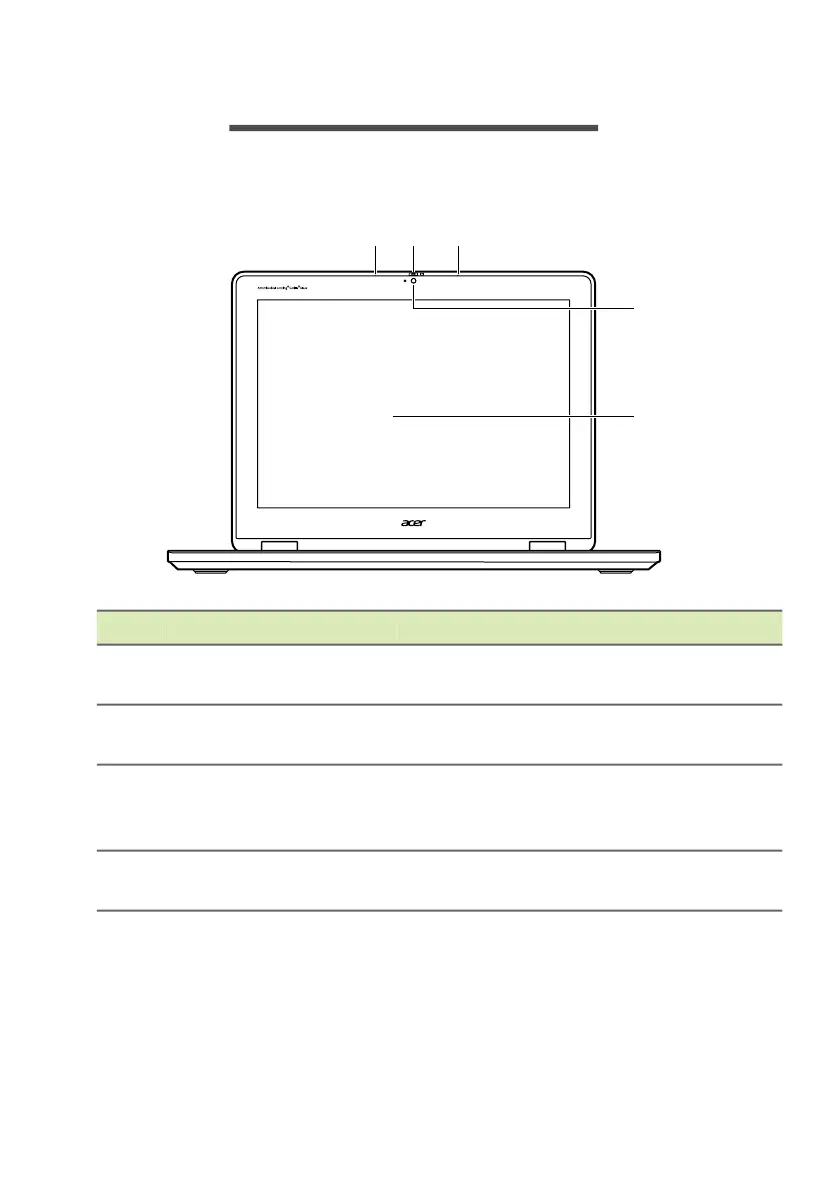
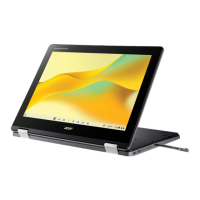
Front view
# Icon Item Description
1 Microphone
Internal microphone for sound
recording.
2
Webcam
shutter
Slide the shutter to the left to cover the
webcam. Slide right to open it.
3 Webcam
Web camera for video communication.
A light next to the webcam indicates
that the webcam is active.
4 Screen
Displays Chromebook output, supports
multi-touch input.




 To Next Page