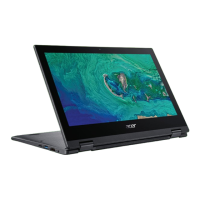
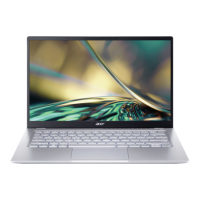
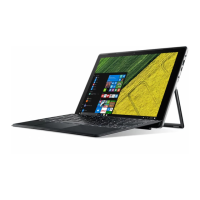
10 - Your Acer notebook tour
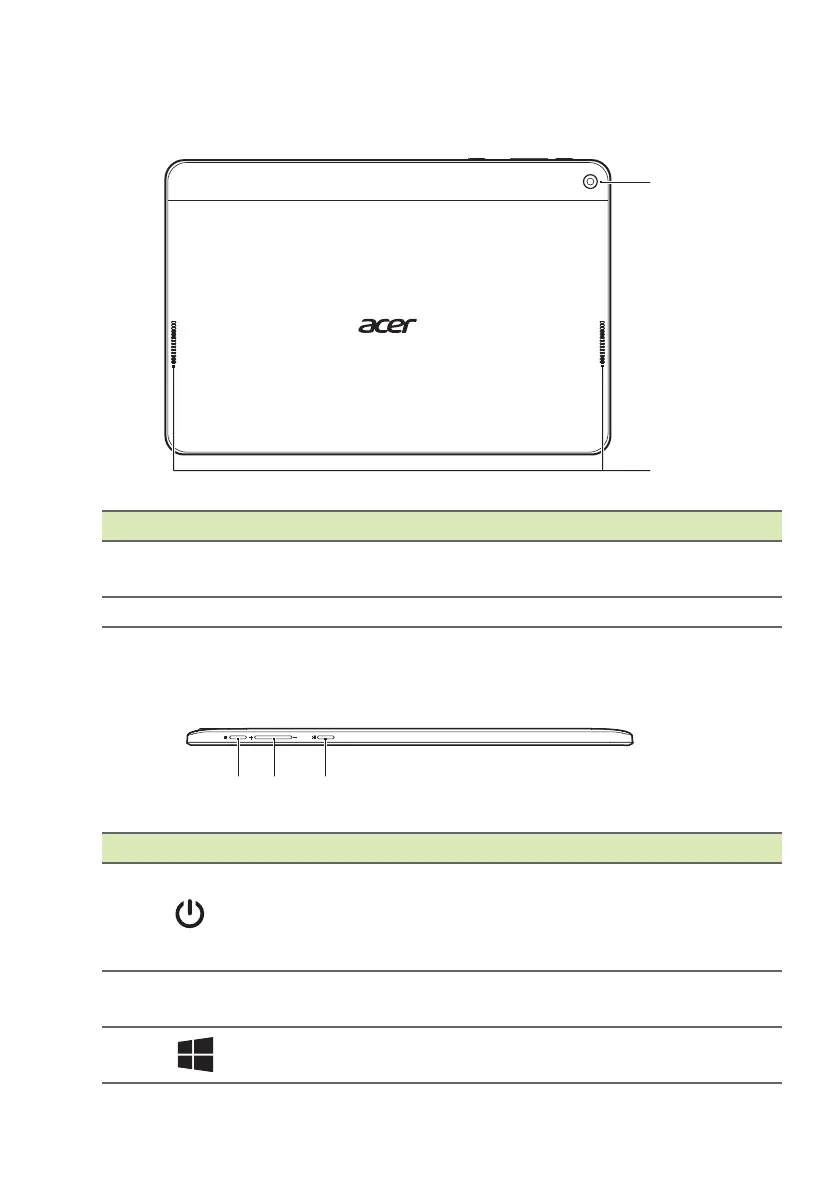
Rear view
# Icon Item Description
1 Webcam
Web camera for video
communicat
ion.
2 Speakers Deliver stereo audio output.
Top view
# Icon Item Description
1
Power button
Turns the computer on and off; press
again
to place the computer in Sleep
mode. Press and hold to turn the
computer off.
2 + / -
Volume control
key
Adjusts the system volume.
3
Home button
Press to go directly to the Windows
Ho
me screen.


 To Next Page