14 - Attaching and detaching the keyboard
ATTACHING AND DETACHING THE
KEYBOARD
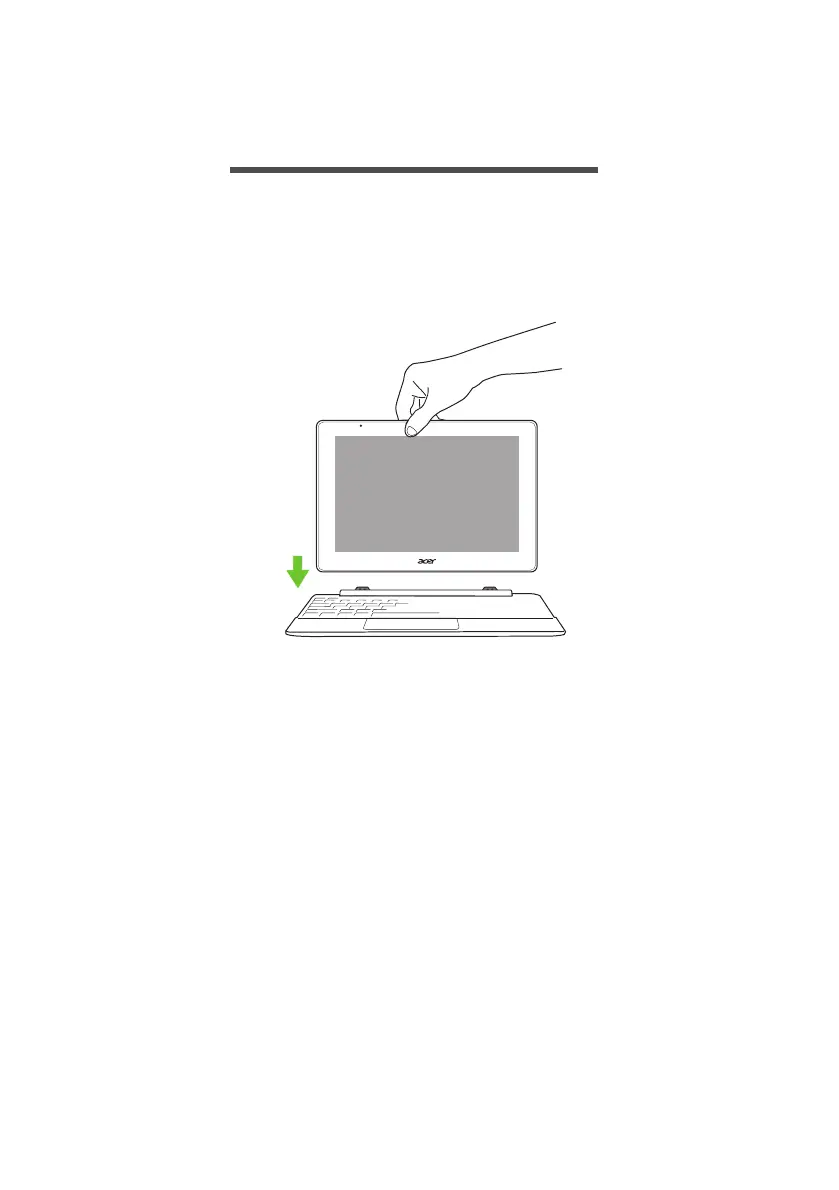
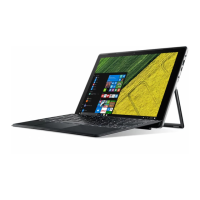
The Acer Smart Hinge makes attaching and detaching the keyboard fast
and easy.
Attach the computer with the keyboard by aligning the keyboard
hooks and the keyboard hook slots to function as a loptop. Ensure the
computer clicks into place.


 To Next Page