12 - Your Acer notebook tour
Information on USB 3.0
• USB 3.0 compatible ports are blue.
• Compatible with USB 3.0 and earlier devices.
• For optimal performance, use USB 3.0-certified devices.
• Defined by the USB 3.0 specification (SuperSpeed USB).
2
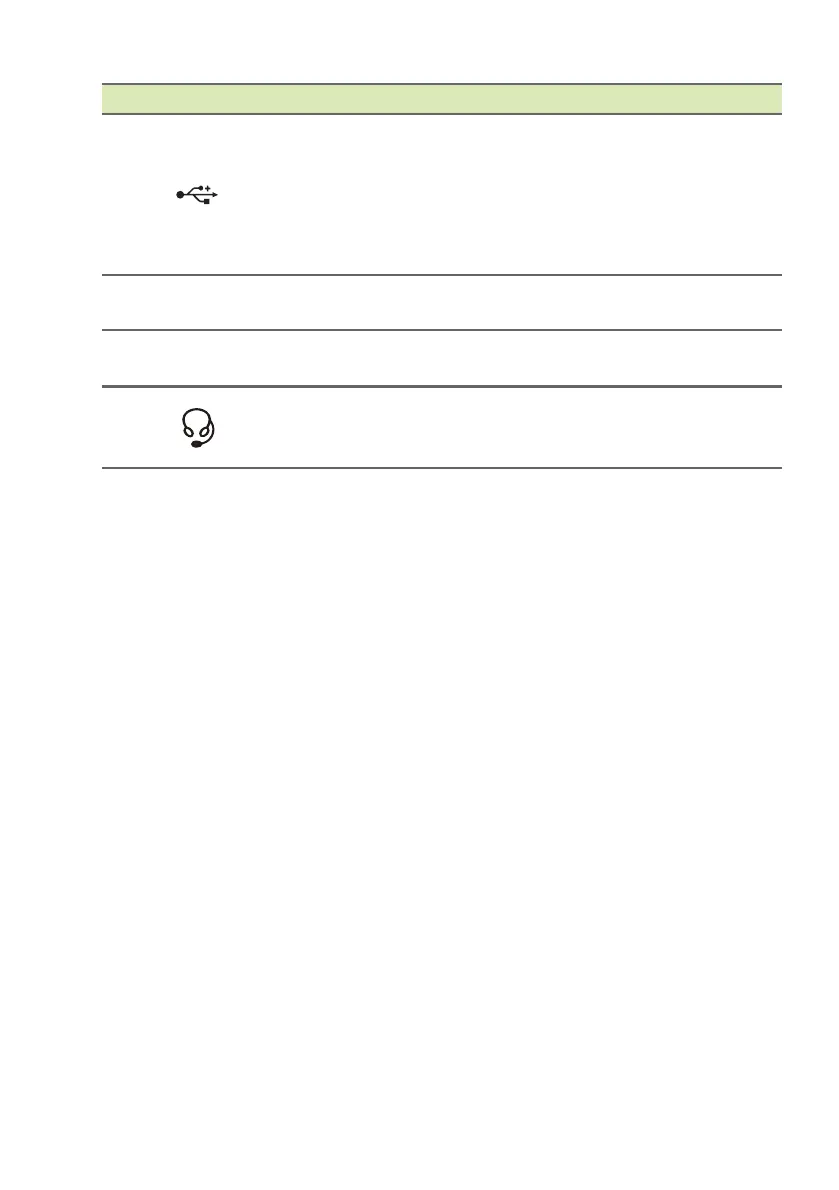
Micro USB
connector
Connects to USB devices. A micro
USB to
USB adapter is needed to
connect to USB devices.
When using a USB port, it is
recommen
ded to plug in the power
adapter.
3
MicroSD card
slot
Insert a microSD card into this slot.
4 Microphone
Internal microphone for sound
recording.
5
Headset/
speaker jack
Connects to audio devices (e.g.,
speakers, headphones) or a headset
with microphone.
# Icon Item Description


 To Next Page