- 11 -
Help
Tap the menu icon, then tap Help to view help information on the device. This useful
question-and-answer section gives you quick answers and solutions to app and device
usage.
Contact us
Tap the menu icon, then tap Contact us to bring up a list of Acer contact information.
About this APP
Tap the menu icon, then tap About this APP to display the app version number.
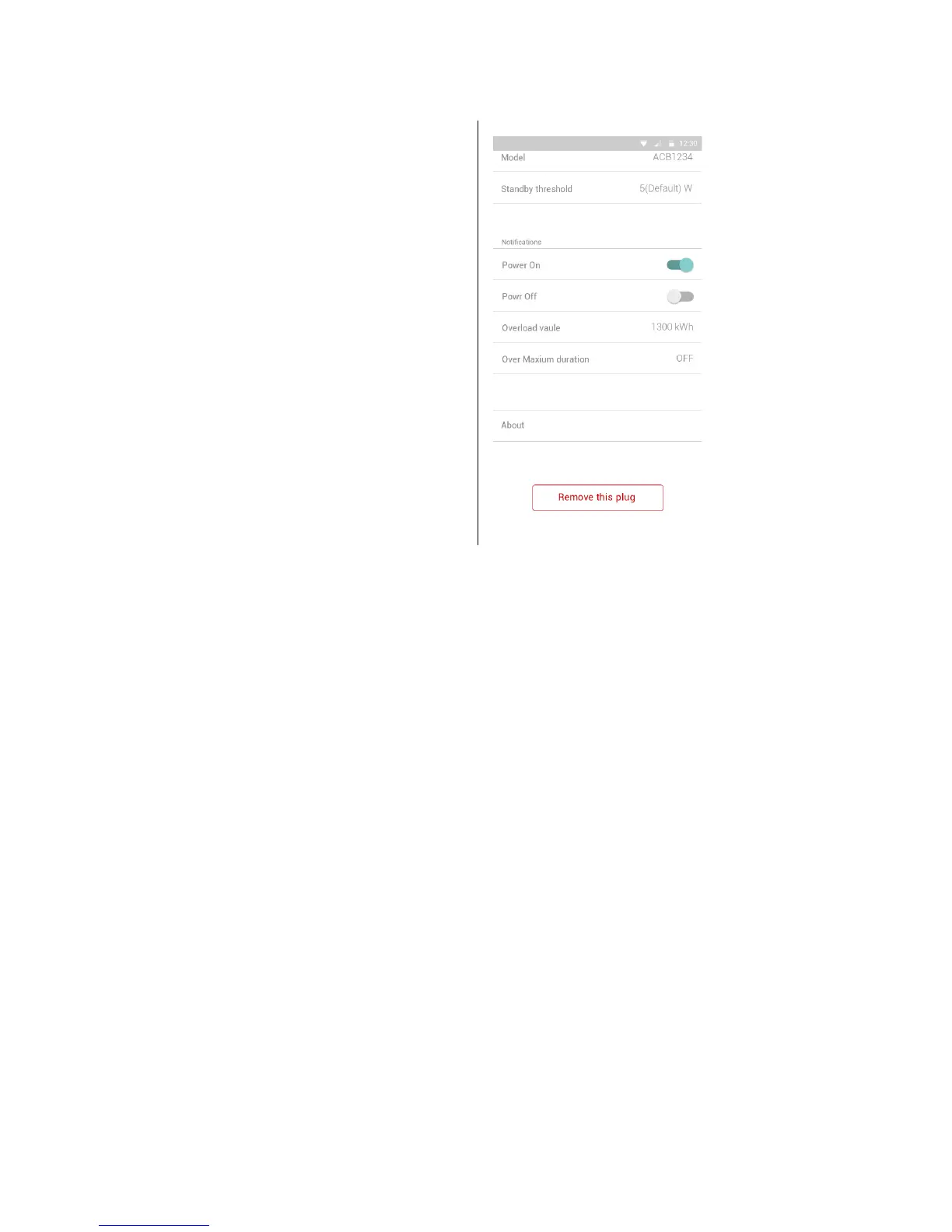
Notifications:
•Power On
•Power Off
• Overload value
• Over Maximum duration
•About
•Remove this plug


 To Next Page