Need help?
Do you have a question about the Acer SP100 and is the answer not in the manual?
Download the app from iOS AppStore or Google Play.
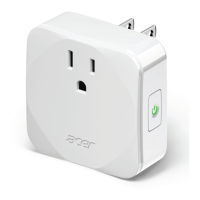
Plug the Smart Plug into a power outlet.
Open the app and follow on-screen setup instructions.
Enable Wi-Fi on your device and launch the Smart Plug application.
Create or sign in to an Acer account using Facebook or Google.
Follow app instructions to connect the device to your network.
Input your Wi-Fi network password and tap 'Connect'.
Choose your Smart Plug from the list presented in the application.
Plug your device into the Smart Plug and initiate setup.
 General
| Brand | Acer |
|---|---|
| Model | SP100 |
| Category | Accessories |
| Language | English |

 To Next Page