- 5 -
Getting started
Follow these steps:
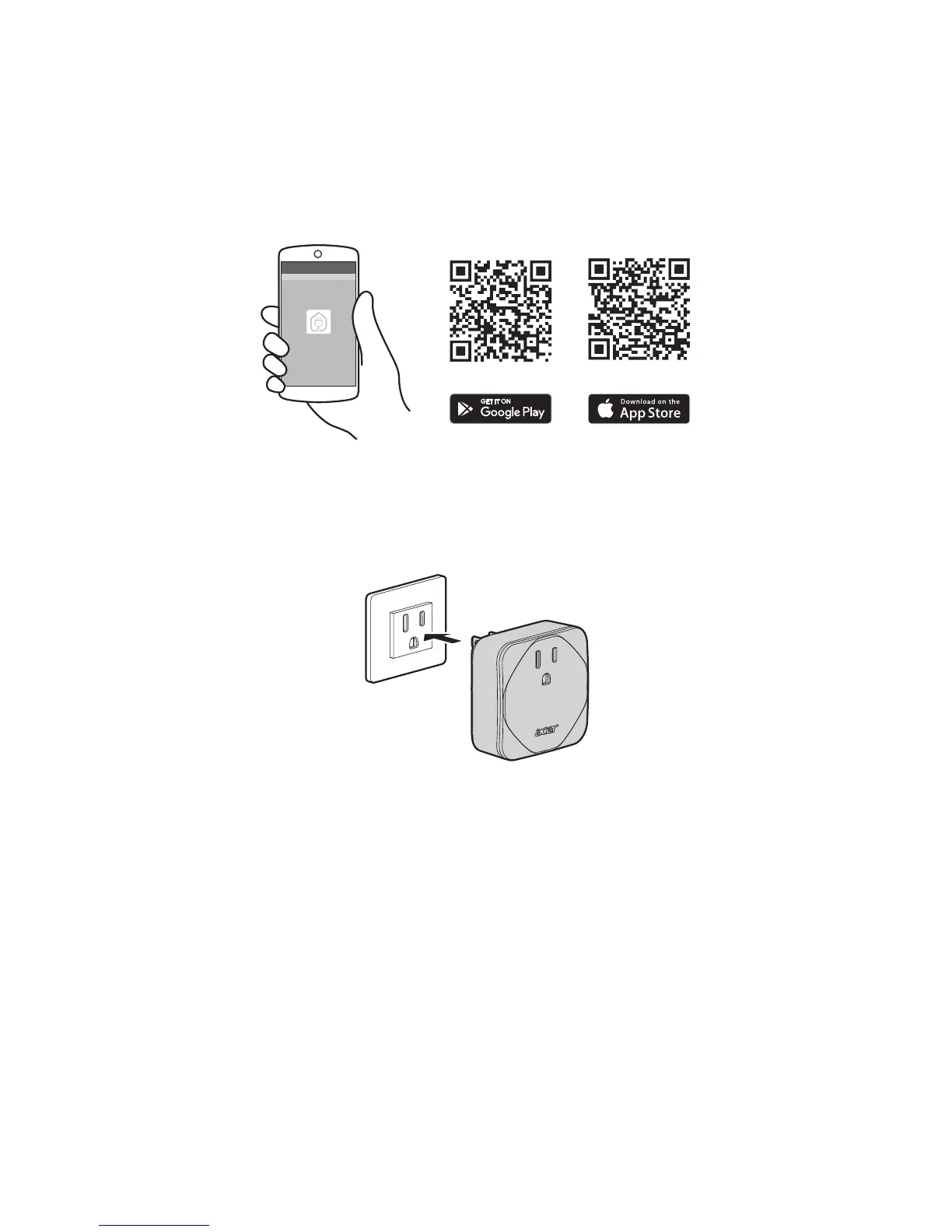
1. Download the Smart Plug app from either the iOS AppStore or the Google Play
store.
Note: If the Smart Plug is plug in for the first time, it will directly enter Setup Mode. The LED
will flash green. After 10 minutes of inactivity, the Smart Plug will time out and you will
need to unplug and plug it into the outlet to enter Setup Mode again. You can also hold and
press the power button for 10 seconds to enter Setup Mode.
2. Connect your device to a power source.
3. Open the application and follow the instructions to setup your Smart Plug.
Smart Plug


 To Next Page