- 6 -
Setting up the Smart Plug
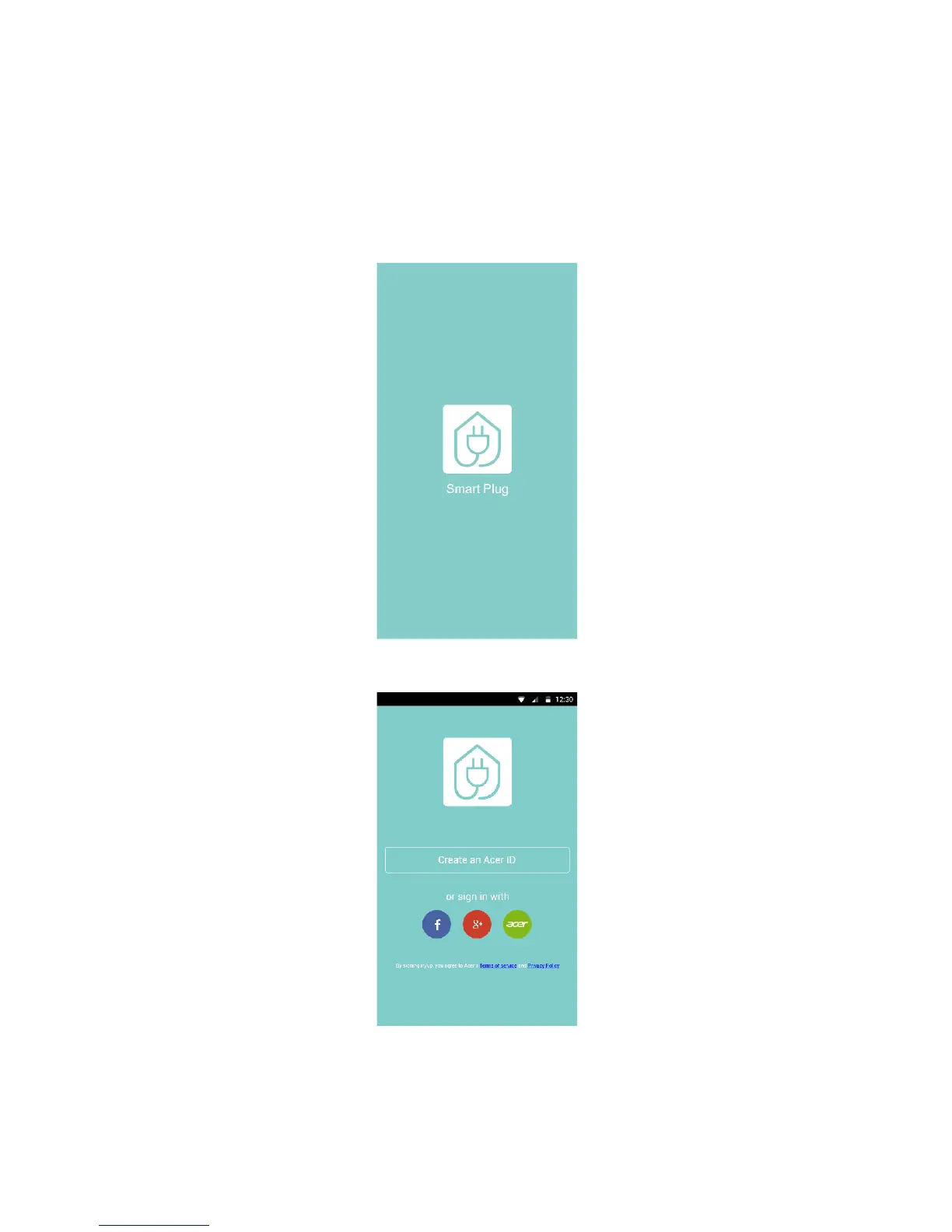
After you’ve turned on the device and downloaded the Smart Plug app, let’s get started
by setting up the required connections.
1. Turn on Wi-Fi on your iOS or Android device.
2. Launch the Smart Plug app.
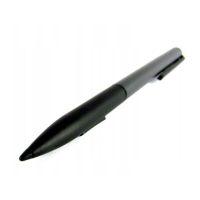
3. Sign in into the Acer cloud. If you don’t have an account, you could make a new
account or sign in using your Facebook or Google plus accounts.


 To Next Page