EasyManua.ls Logo

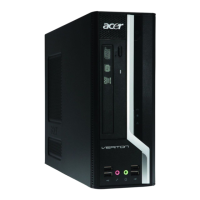
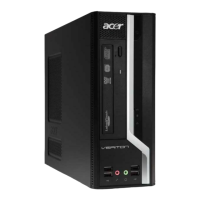
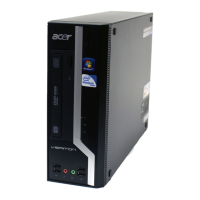
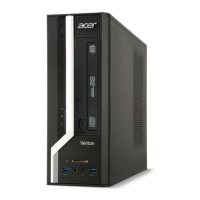
Acer Veriton X6660G - User Manual

Acer Veriton X6660G
21 pages
Print Icon
To Next Page IconTo Next Page
Loading...
1
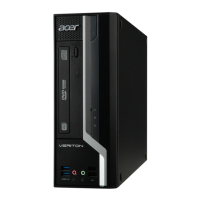
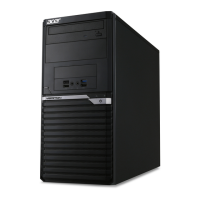
Veriton X6660G (VX6660G) / Veriton X4660G (VX4660G)
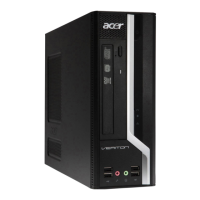
Veriton X4665G (VX4665G) / Veriton X2665G (VX2665G)
Veriton X2660G (VX2660G)
Recycling Guide

Questions and Answers

  • S
    Sharon JonesAug 11, 2025
    What to do if my Acer Veriton X6660G Desktop displays a 'BIOS ROM checksum error - System halted'?
    • S
      stevensextonAug 11, 2025
      If your Acer Desktop displays a 'BIOS ROM checksum error - System halted' message, it means the BIOS code in the BIOS chip is likely corrupt. Contact your system dealer to replace the BIOS.
  • S
    Shane GrantAug 15, 2025
    What to do if my Acer Desktop keyboard is locked out?
    • S
      Samantha WrightAug 16, 2025
      If your Acer Desktop keyboard is locked out, it means keys were pressed during the keyboard tests. Ensure nothing is resting on the keyboard.
  • A
    Aaron WilliamsAug 20, 2025
    What to do if my Acer Veriton X6660G shows 'Keyboard Error Or No Keyboard Present'?
    • J
      Jesse AdamsAug 20, 2025
      If your Acer Desktop displays a 'Keyboard Error' or 'No Keyboard Present' message, it means the system can't initialize the keyboard. Ensure the keyboard is correctly connected. Also, make sure that no keys are being pressed during the Power-On Self-Test (POST).
  • J
    jose83Aug 26, 2025
    What to do if my Acer Veriton X6660G shows 'HARD DISK INSTALL FAILURE'?
    • C
      courtney11Aug 26, 2025
      If your Acer Desktop shows a 'HARD DISK INSTALL FAILURE' message, it means the system can't find or initialize the hard drive controller or the drive itself. First, ensure that the controller is correctly installed. If you don't have any hard drives installed, go to the Setup and set the Hard Drive Selection to NONE.
  • L
    Laura PaceAug 30, 2025
    What to do if my Acer Veriton X6660G Desktop shows 'CMOS Checksum Error- defaults loaded'?
    • J
      jessica64Aug 30, 2025
      If you get a 'CMOS Checksum Error' on your Acer Desktop and defaults are loaded, it indicates that the CMOS checksum is incorrect, possibly due to a weak battery or corruption. Check the CMOS battery and replace it if necessary.
  • D
    davidballSep 4, 2025
    What to do if the display switch is set incorrectly on my Acer Veriton X6660G Desktop?
    • T
      torresericSep 5, 2025
      If the display switch is set incorrectly on your Acer Desktop, this could be because the display switch on the motherboard is set to either monochrome or color. To resolve this, determine the correct setting. Then, either turn off the system and change the jumper, or go to Setup and change the Video selection.

Acer Veriton X6660G Specifications

General IconGeneral
Operating SystemWindows 10 Pro
NetworkingGigabit Ethernet
Power Supply300W
Optical DriveDVD-Writer
Form FactorSmall Form Factor
RAMUp to 64GB DDR4
Storage1TB HDD
GraphicsIntel® UHD Graphics 630
AudioHigh-definition audio
Ports (Front)2 x USB 2.0, Headphone/Microphone
Ports (Rear)HDMI, VGA, RJ-45, Audio jacks
Expansion Slots1 x PCIe x16, 1 x PCIe x1
Dimensions340 mm x 295 mm x 99 mm

Related product manuals