EasyManua.ls Logo

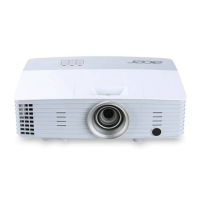
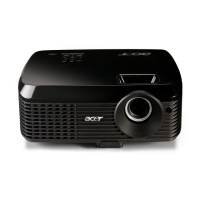
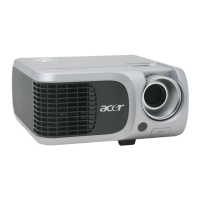
Acer XD1150 - User Manual

Acer XD1150
168 pages
Print Icon
To Next Page IconTo Next Page
Loading...
Model Name : PD100/PD100D/PD120/
PD120D/XD1170D/XD1270D/XD1150/
XD1250
SERVICE MANUAL
Date Revise Version Description
2005/8 V1.0 Initial Issue(PD100/PD100D/PD120/PD120D)
2006/7 V2.0 Add XD1170D/1270D model, add page 2/5/7/15/49/80-111
2006/8 V3.0 Add XD1150/XD1250 model
Prepared by SI :
________________________________________
Prepared by TSE :
________________________________________
Check by :
________________________________________
Approved by :
________________________________________
Copyright August, 2006 . All Rights Reserved
P/N#36.86L01G002 .

Questions and Answers

  • J
    Jennifer GreeneSep 12, 2025
    How to resolve dead pixel or dust issues on Acer Projector?
    • R
      roysteveSep 12, 2025
      If your Acer Projector has dead pixels or dust (out of spec), ensure the projection screen is free of dirt and the projection lens is clean. Clean the DMD Chip and Engine Module. Check the DMD Chip and Engine Module.
  • M
    matthewbassSep 14, 2025
    What to do if the function is abnormal on Acer XD1150 Projector?
    • G
      Gregory TorresSep 14, 2025
      If your Acer Projector's function is abnormal, try resetting the OSD Menu. Check the Main Board and DMD Board.

Acer XD1150 Specifications

General IconGeneral
Brightness3000 ANSI Lumens
ResolutionXGA (1024x768)
Contrast Ratio2000:1
Lamp Life5000 hours (eco mode)
Weight2.5 kg
Dimensions290 x 210 x 80 mm
Display TechnologyDLP
Native Resolution800 x 600
Projection TechnologyDLP
Projection Size30" to 300"
Input ConnectorsHDMI, VGA, USB

Related product manuals