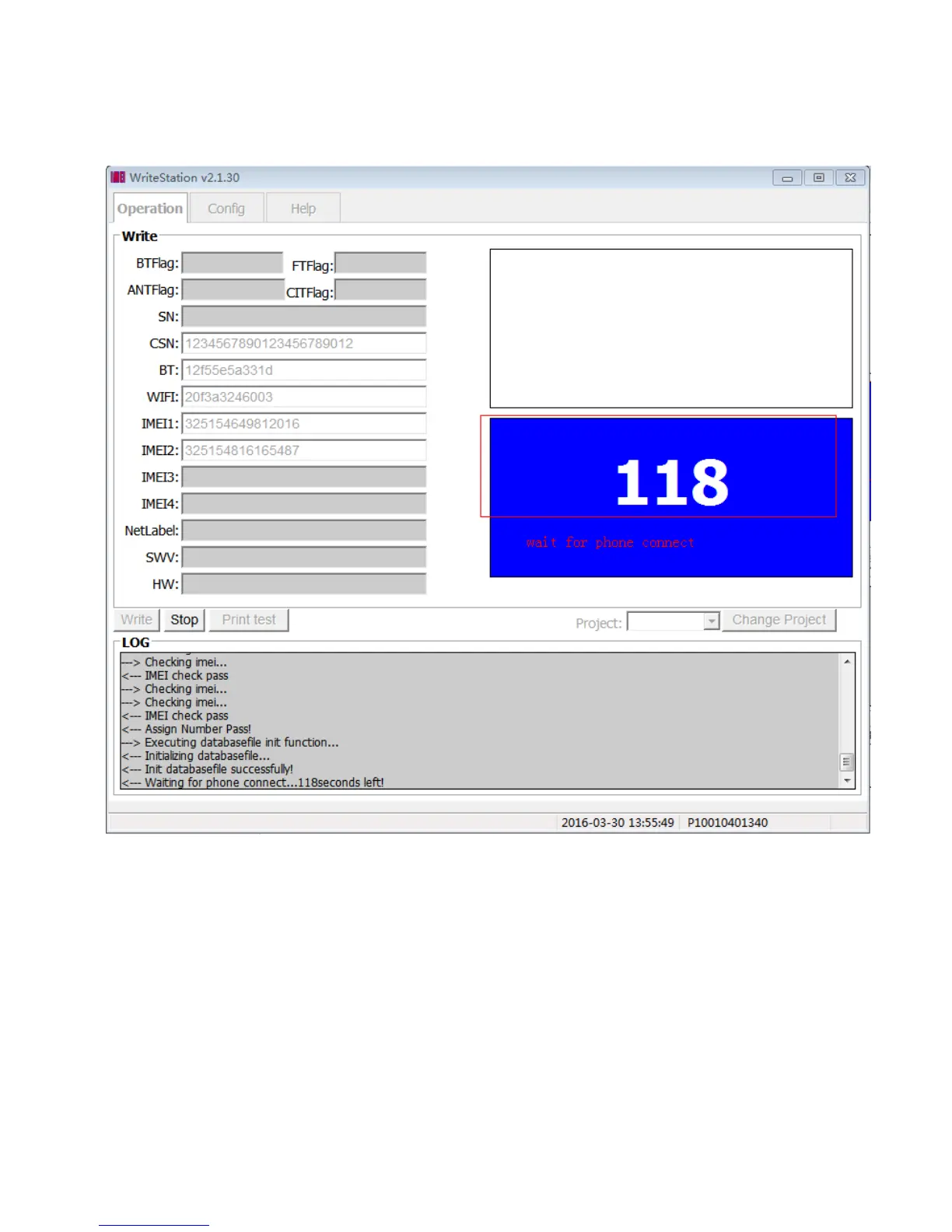
4.10 : Click “ Save” button,Then Change to “Operation” panel, and then input SN, BT, WIFI, and IMEI correctly,
and then click “Write” or press “Enter” directly to start write number.
Tool will wait two minutes before phone connected, otherwise tool will stop automatically.
User should power to the phone and then connect PC and phone via usb cable when count occur showing as
the upper picture.


 To Next Page
 Loading...











