CHAPTER 4
Diagnostic Tool SOP
Diagnostic Tool APK SOP
1. Introduction
This SOP is available for simple tests of hardware devices by customer service maintenance personnel,
such as key, LCM, SD, camera. Results of tests will be written into log for research designer to analyze.
This SOP mainly includes tool installation guide, operating interface and function introduction of each test
item.
2. Installation Method
2.1
Open Developer Mode
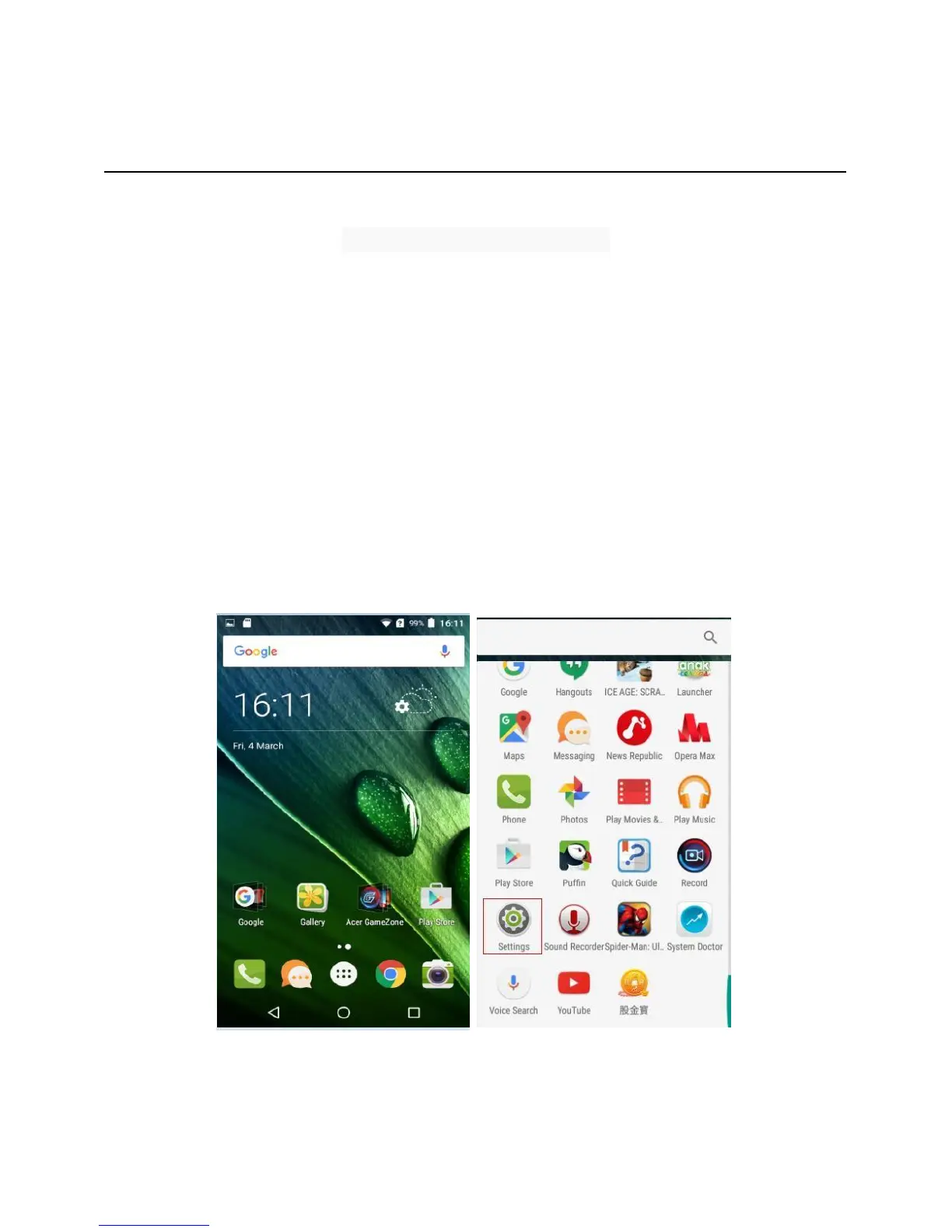
Enter into the settings menu “About Phone” menu, and continuously click on Item “Build number” until
the clue “You are now a developer.” appears. Then be back to the settings menu and enter into
“Developer options”, and check “USB debugging” as shown.



 To Next Page