
 Need help?
Do you have a question about the ACG SEVCON and is the answer not in the manual?
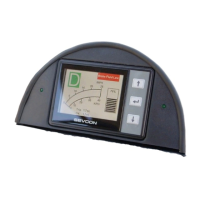
Details the primary functions of the SEVCON LCD, including battery charge, speed, and trip data.
Provides in-depth explanation of the battery charge level indicator and its behavior.
Introduces the concept of multiple display screens and how to navigate between them.
Describes the main screen layout showing direction, speed, battery, trip, and odometer.
Displays detailed vehicle status like controller temp, motor voltage, amps, RPM, and torque.
Shows the status of digital and analog inputs for vehicle controls such as forward/reverse and brakes.
Records vehicle acceleration times over set distances and total operating hours.
Details the fault log display, explanations, and provides help for understanding fault codes.

 To Next Page
 General