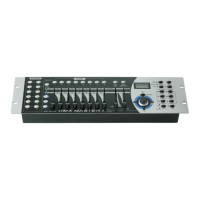
4. Tap the Tap/Display button to change between 8 CH. and
16 CH. mode, the LCD reads
ASSXX XX or ASSXX XX
X/Y X/Y 08CH 16CH
5. Tap the Scanner button to select the scanner.
6. Tap the Page Select button to select Page A or Page B.
7. While pressing the Mode button, tap the Scene button, all
LEDs should flash briefly indicating the DMX channel is
assigned.( Scene button 1 stands for DMX channel 1, Scene
button 2 stands for DMX channel 2, and so on.)
8. Continue steps 3-7 , you may assign a maximum of 48 DMX
channels for 12 scanners.
Page 19
4-2.3 Scene Copy
1.Program enable.
2. Tap the Bank Up/Down button to select the bank that
contains the scene you wish to copy.
3. Select the scene you want to copy by tapping its Scene
button
4. Tap the Bank Up/Down button to select the bank you wish to
copy the scene to.
5. Tap the MIDI/Rec button.
Page 12


 To Next Page
 Loading...