33
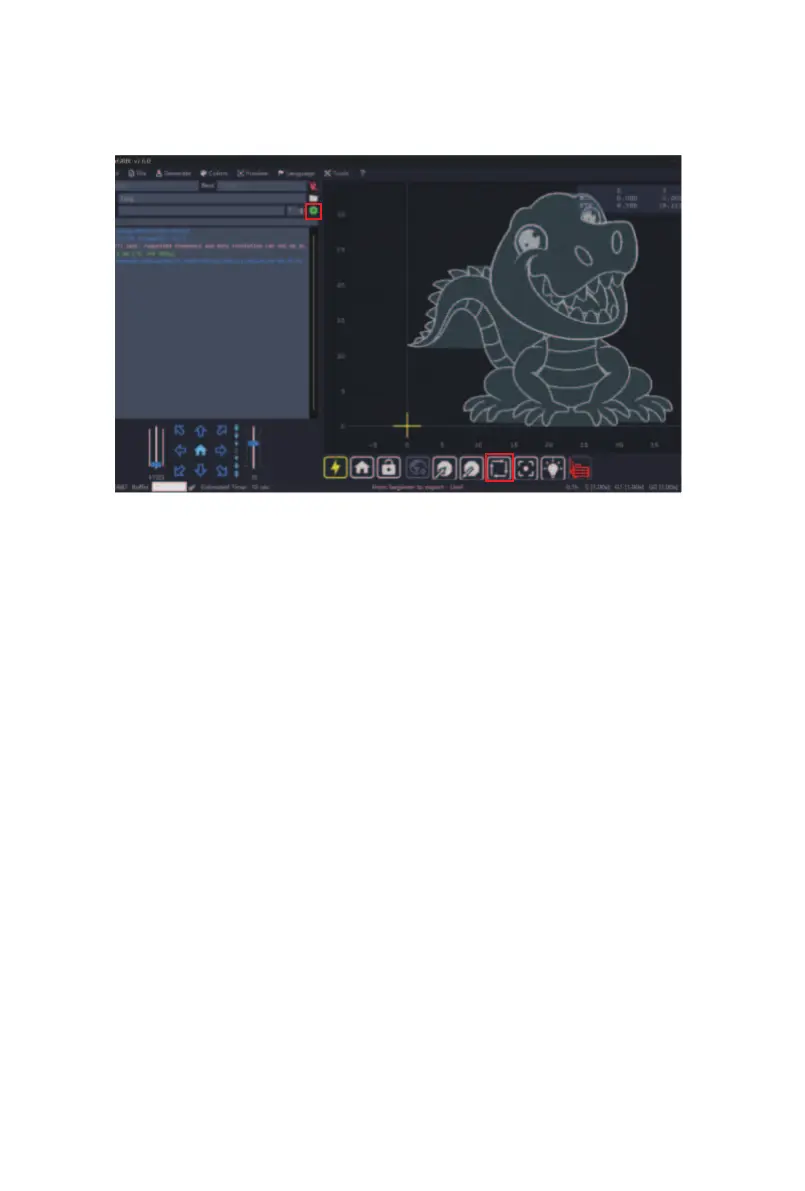
(1) Click preview to check the engraving range;
(2) Confirm the engraving range and start engraving.
⑧
Note: LaserGRBL currently does not support the use of
the rotary module. We apologize for the inconvenience!
Tips: You can refer to the video tutorial in the TF card for
the software setup steps.
(2)
(1)



 To Next Page