45
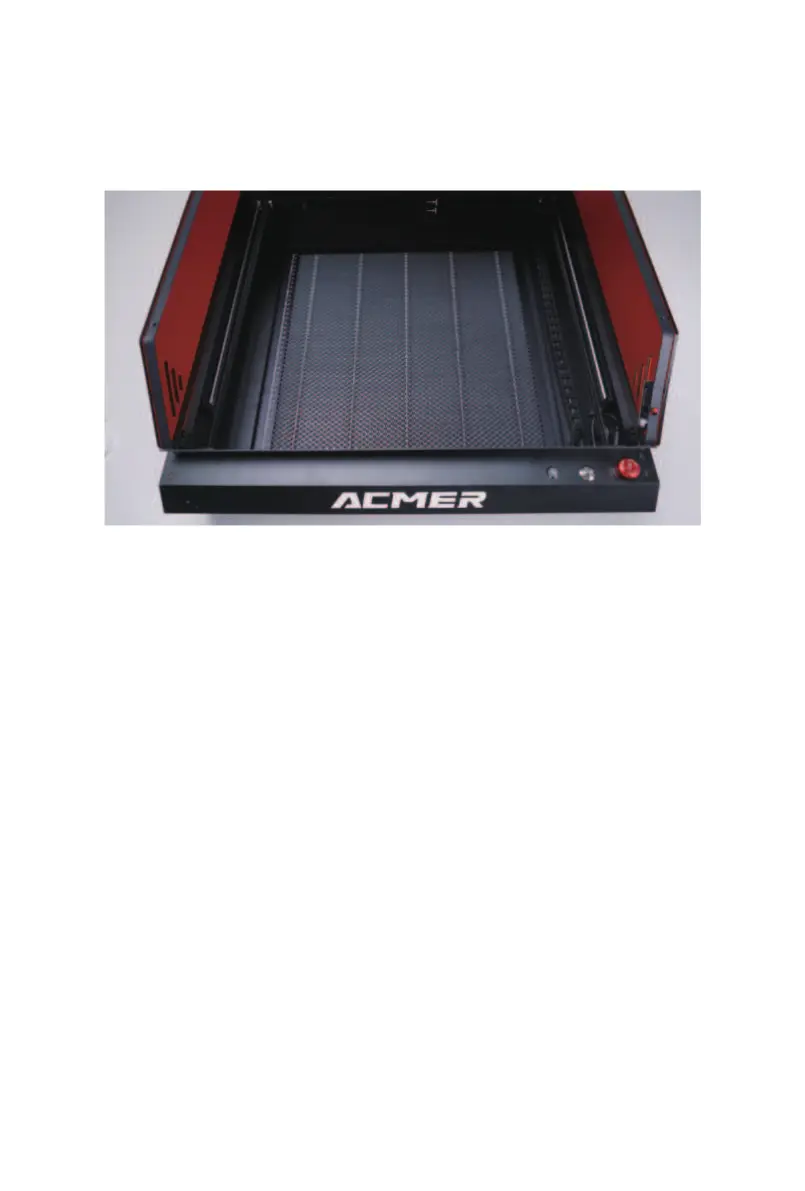
10.3.2 Remove the drawer, dump out all the waste and
dust, and wipe it clean with a lint-free cloth. Then, put the
drawer back into the machine. The image below shows the
completed cleaning.
10.3.3 Use a lint-free cloth to wipe the inside and outside
of the machine body, the inside and outside of the acrylic
cover, and the camera clean. (If possible, you can use a
lint-free cloth dampened with alcohol to wipe it even
cleaner.)



 To Next Page