47
3. Check if the surface of the engraving material is flat.
4. For cutting, try lowering the speed and increasing the
number of cutting passes. Refer to the engraving parame-
ter table for specific parameters.
5. For engraving: if the engraving is too deep, try increas-
ing the speed and reducing the power. If the engraving is
too shallow, try reducing the speed and increasing the
power. Refer to the engraving parameter table for specific
parameters.
1. Check if the CH340 driver is installed. If not, you can
find the CH340
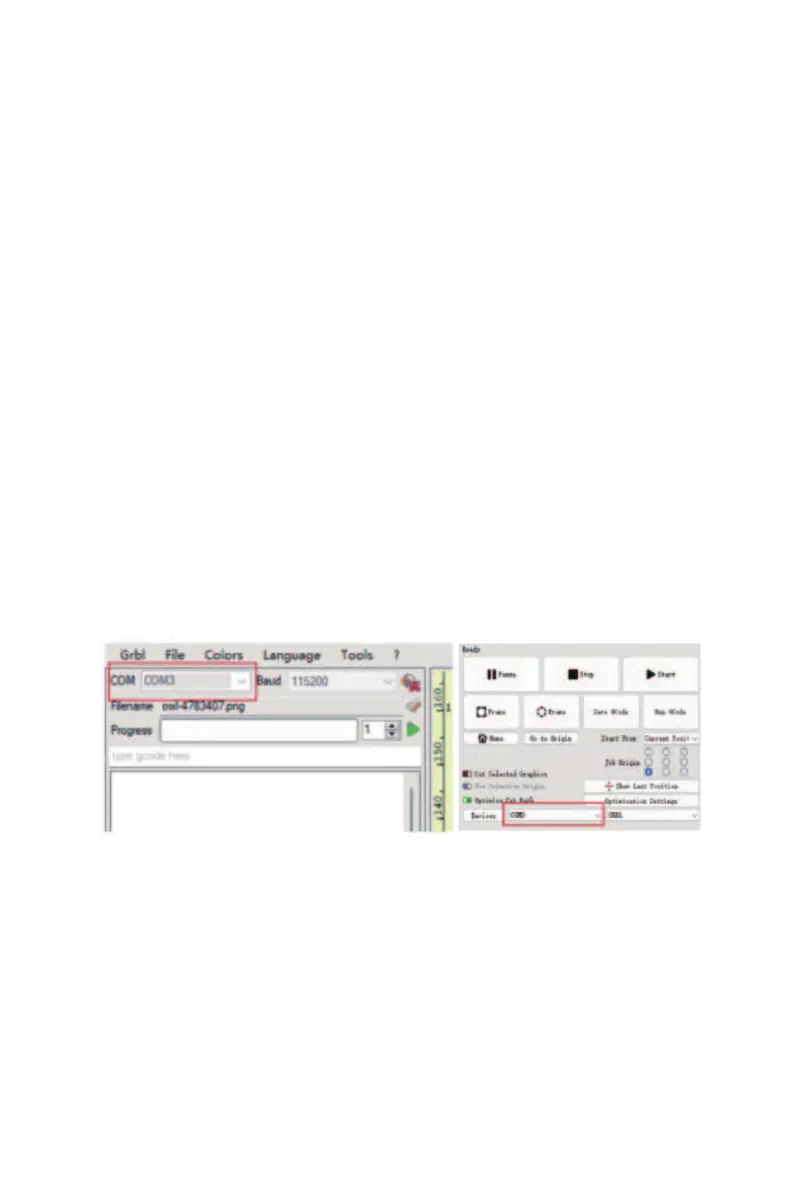
2. Check if the selected COM port is the one for this
specific machine.
3. Try using a dierent USB cable for the connection.
4. Try connecting to another computer.
Q2. The machine cannot connect to the com-
puter



 To Next Page