10
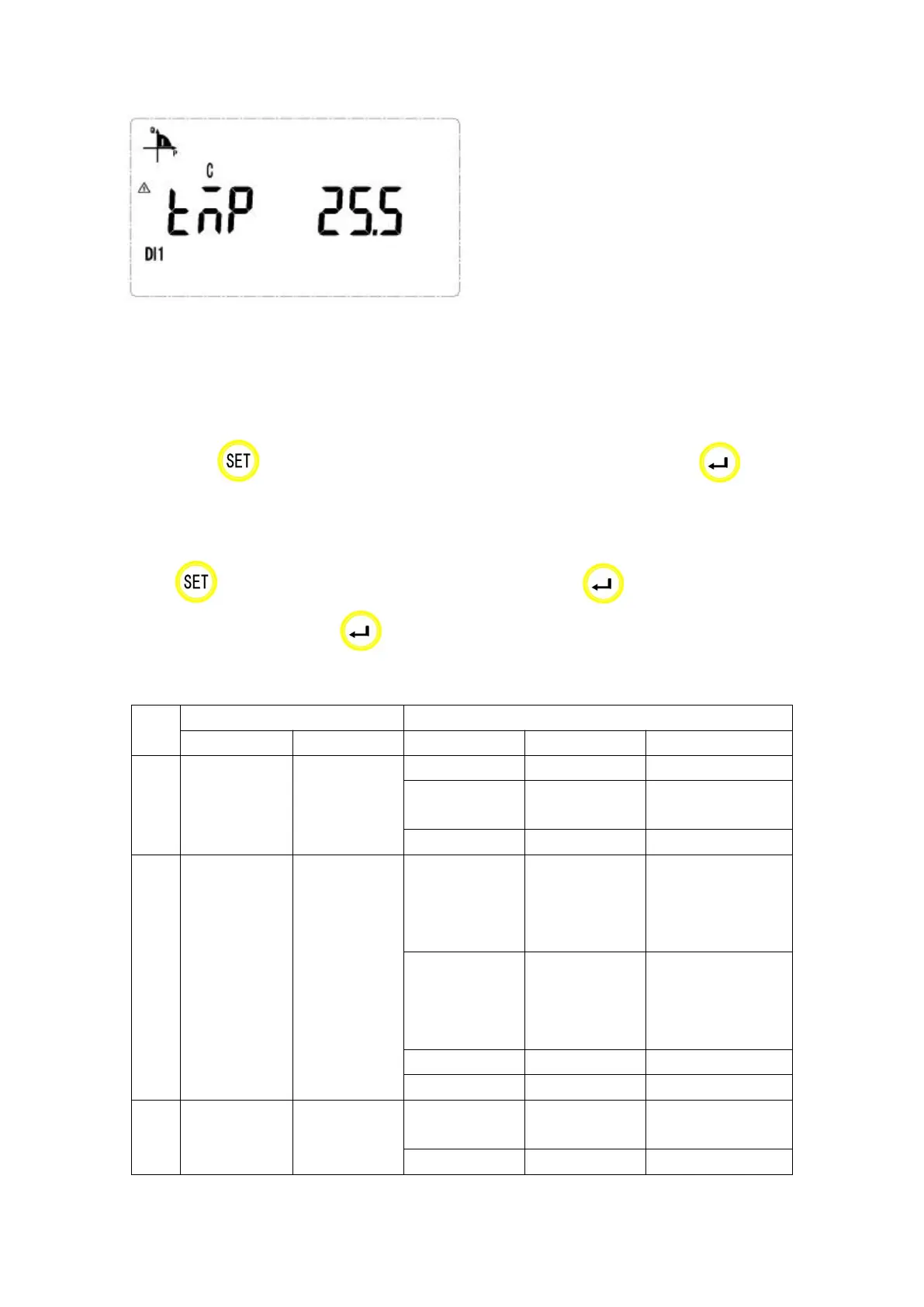
Temperature on T3 is 25.5 cent degree
Note: There are parts of the display function, and other menus are familiar with the example above.
The customers can understand the meaning refer to the above examples.
8.3 Key Menu
Press at any main menu and get in “PASS” interface, and then press show
“0000”, and enter the code. If you enter a wrong code, it will show “fail” and back to main menu;
and if you enter a right code, you can set the parameter. After setting the parameter and
press , it will show “save” and save the change by pressing in “yes” interface and
quit without save by pressing in “no” interface.
8.4 Data settings
19200、9600、
4800、2400、1200
3P4L:
3 phase 4 lines
3P3L:
3 phase 3 lines
EF:
Multi-tariff rate
E:
No multi-tariff rate


 To Next Page