EasyManua.ls Logo

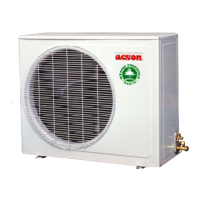
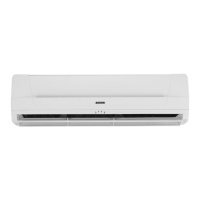
Acson G12 - User Manual

Acson G12
8 pages
Print Icon
To Next Page IconTo Next Page
Loading...
8
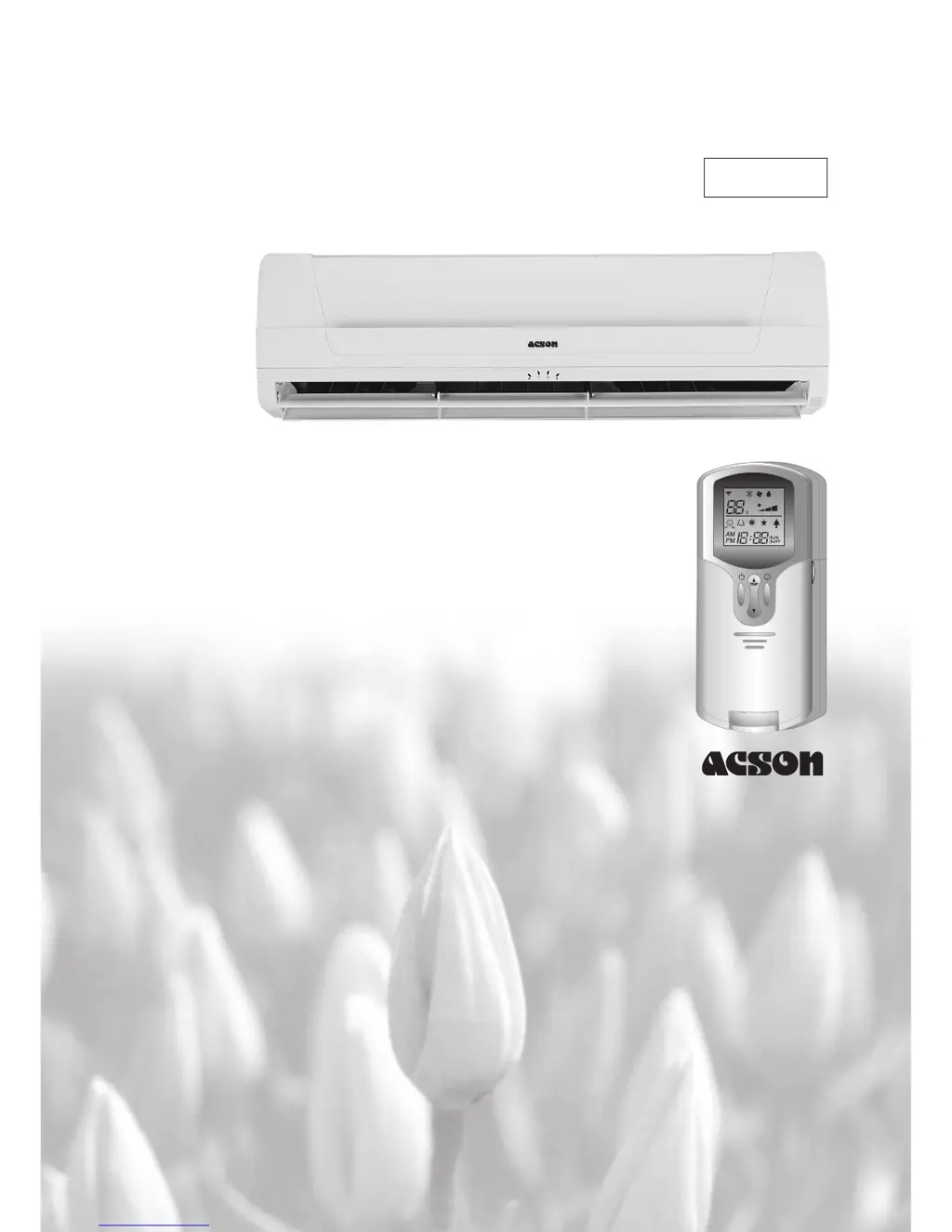
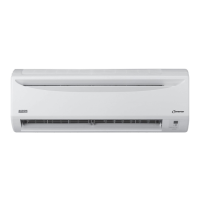
WALL MOUNTED
SPLIT TYPE AIR CONDITIONER
MANUAL
OM-G12-ACSON

Questions and Answers

  • B
    Brittany DavidsonJul 30, 2025
    What to do if my Acson G12 unit does not operate?
    • M
      Michael HuffJul 30, 2025
      If your Acson air conditioner unit isn't working, there are a few things you can check: * Ensure there isn't a power failure, and that the fuse is working correctly. Check the power supply. * Make sure the power plug is properly connected. * Verify the delay timer is set correctly. If the problem continues, contact the air conditioner unit installer.
  • J
    John BryanAug 3, 2025
    Why is the airflow too low in my Acson G12?
    • J
      Jessica FrenchAug 3, 2025
      Low airflow in your Acson air conditioner can be caused by several factors: * A dirty air filter. Clean or replace it. * Open doors or windows. Make sure to close them. * Blocked air suction and discharge. Clear any obstructions. * Temperature setting is too low. Increase the temperature.
  • S
    stephen52Aug 7, 2025
    What to do if water is flowing out from my Acson Air Conditioner unit?
    • S
      Steve FordAug 7, 2025
      If water is flowing out from your Acson air conditioner unit, switch it off and call your dealer.
  • A
    Anthony ConradAug 11, 2025
    Why is there condensation on the front air grille of my Acson Air Conditioner indoor unit?
    • D
      Diana NealAug 11, 2025
      Condensation on the front air grille of your Acson indoor unit can occur due to air humidity after extended operation or if the set temperature is too low. Try increasing the temperature setting and operating the unit at high fan speed.
  • R
    rodriguezamyAug 15, 2025
    How to eliminate bad odor from Acson Air Conditioner discharge air flow?
    • P
      Paul FryeAug 16, 2025
      A bad odor from your Acson air conditioner's discharge airflow can be caused by particles like cigarettes, smoke, or perfume adhering to the coil. Clean the coil to resolve this issue.
  • P
    Paul WatkinsAug 20, 2025
    Why doesn't the compressor operate immediately after starting my Acson G12 Air Conditioner unit?
    • N
      Nathaniel RussellAug 20, 2025
      If the compressor doesn't start right away on your Acson air conditioner, wait for 3 to 4 minutes for it to begin operating.
  • M
    Mr. Daryl LopezAug 25, 2025
    Why is my Acson G12 Air Conditioner unit making a hissing sound?
    • E
      Eric MillerAug 26, 2025
      The hissing sound you hear from your Acson air conditioner unit during operation is caused by refrigerant fluid flowing into the evaporator coil.

Summary

Operating Guide

Transmission Source

Explains the origin of the signal transmitted from the remote to the unit.

Signal Transmission Indication

Indicates the visual confirmation of the last transmitted setting to the unit.

ON;OFF Button

Instructions on how to start or stop the air conditioner unit.

Temperature Setting

Procedure for adjusting the desired room temperature up or down.

Operation Mode Selection

Guide on selecting the operating mode like COOL, DRY, or FAN.

Fan Speed Selection

How to choose fan speed settings: Low, Med, High, or Auto.

Turbo Function

Details on activating turbo mode for rapid cooling and its effects.

ON Timer Setting

Instructions for setting a specific time for the unit to turn on.

OFF Timer Setting

Instructions for setting a specific time for the unit to turn off.

Automatic Air Swing

How to activate and control the automatic louvre movement for air distribution.

Sleep Mode Setting

Guide to activating sleep mode for energy saving and comfort.

Clock Time Setting

Procedure for setting the current time on the remote control.

Personalize Setting

How to save and recall custom operating settings.

Ionizer Setting

Instructions for activating the ionizer function for air purification.

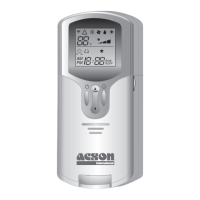
G12 Remote Controller Indication

Remote Controller Buttons

Visual guide to the remote control buttons and their functions.

Key Function Descriptions

Detailed explanation of specific button functions like CLOCK, RECALL, PROGRAM.

Mounting and Battery Installation

How to Mount Onto the Wall

Step-by-step instructions for wall-mounting the air conditioner unit.

To Insert Batteries

Procedure for correctly inserting batteries into the remote control.

Indicator Lights

IR Signal Receiver

Explanation of the signal receiver confirmation beep.

LED Indicator Lights for Cooling Unit

Overview of indicator lights for COOL, IONIZER, TIMER, and SLEEP MODE.

Normal Operation and Fault Conditions

Table detailing LED indicators for normal operation and fault diagnosis.

Installation and Maintenance

Installation of Aroma

Instructions for installing or replacing the aroma filter.

Cautionary Notes

Important safety cautions regarding filter replacement and electrical hazards.

Auto Random Re-Start Function

Explanation of automatic unit restart after power interruption.

Service and Maintenance

Procedures for cleaning indoor air filters and the indoor unit.

Troubleshooting

Pre-operation Checks

Instructions for preparing the unit for extended periods of non-use.

Fault Diagnosis

Table of common faults, their causes, and recommended actions.

Acson G12 Specifications

General IconGeneral
BrandAcson
ModelG12
CategoryAir Conditioner
LanguageEnglish

Related product manuals