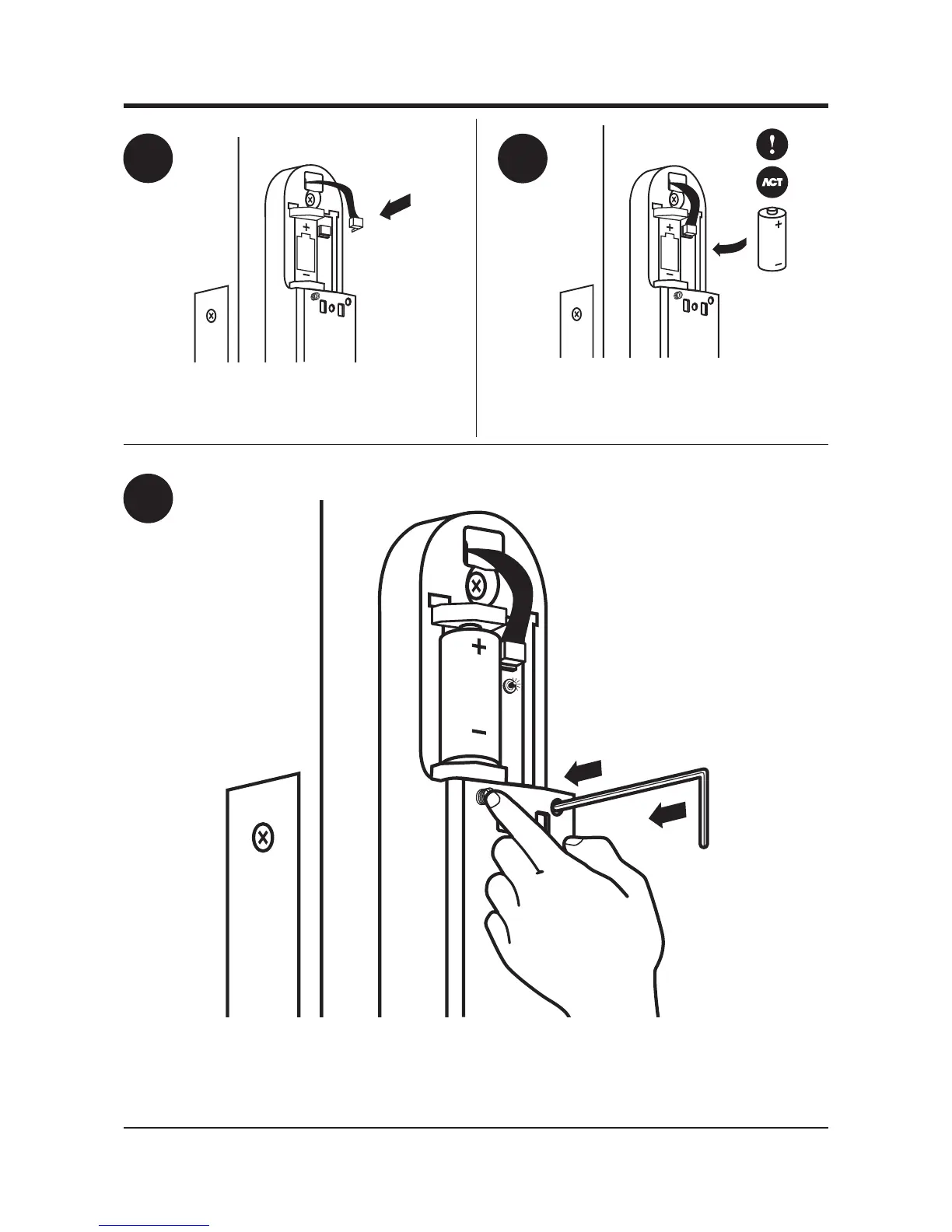
To default the ACTpro elock, insert battery and then hold down the tamper
switch and recessed button until the unit beeps and the LED flashes.
Insert the battery. The ACTpro eLock must only be
used with ACT supplied batteries. Note: Use of non-ACT
supplied batteries will invalidate the ACT warranty.
7
8
9
Plug in the ribbon cable connector. Note: Polarised guide
on the ribbon cable connector is on the right.



 To Next Page