EasyManua.ls Logo

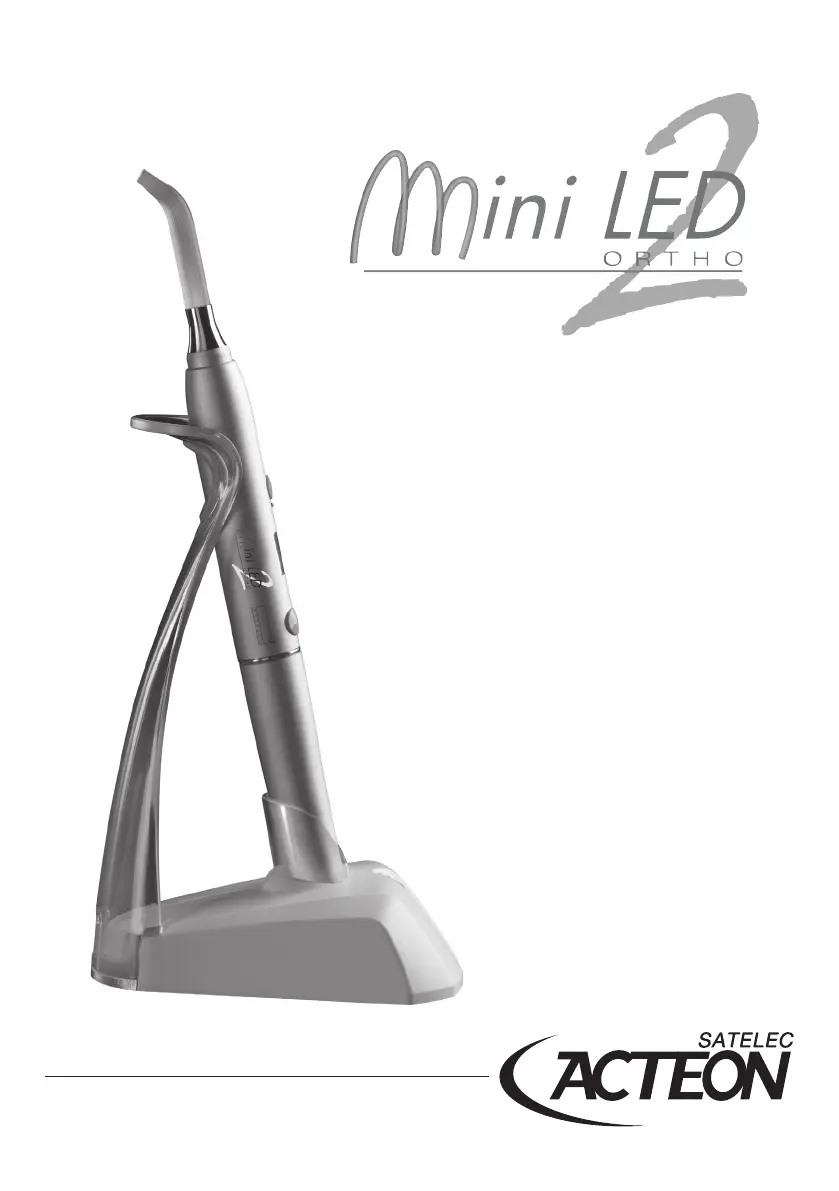
Acteon Satelec Mini LED 2 ORTHO - User Manual

Acteon Satelec Mini LED 2 ORTHO
12 pages
Print Icon
To Next Page IconTo Next Page
Loading...
User’s manual

Questions and Answers

  • J
    Jessica ParkerAug 4, 2025
    What to do if Acteon Satelec Mini LED 2 ORTHO charger does not operate?
    • K
      Karen RoseAug 4, 2025
      If the Acteon dental equipment charger isn't working, it could be due to several reasons. First, ensure the AC power wall outlet is functioning correctly by contacting your electrician. Other potential issues include a defective AC power adapter, light and audible alarms, contact failure on the Jack connector socket, a defective fuse, or a defective error indicator light. Also, check if the light guide, LED, or reflector are defective or dirty; clean them or consider returning the unit to the SATELEC after-sales department.
  • O
    obrientamaraAug 11, 2025
    How to fix Acteon Dental equipment with no operation (LCD screen off)?
    • S
      scottwoodsAug 11, 2025
      If your Acteon dental equipment shows no operation and the LCD screen is off, it could be due to a completely discharged or defective battery, in which case you should recharge the battery. Alternatively, the Mini LED™ might be defective. If problems persist, return the equipment to the SATELEC after-sales department.
  • K
    Karen ReevesAug 18, 2025
    What to do if Acteon Satelec Mini LED 2 ORTHO has light power defect or no light power?
    • K
      Kimberly VillegasAug 18, 2025
      If your Acteon dental equipment has a light power defect or no light power, the LED, light guide, or reflector may be defective or dirty. Try cleaning the LEDs with dry air jet. Also, check the cleanliness of the light guide and reflector. If cleaning doesn't resolve the issue, or the buttons are defective, return the unit to the SATELEC after-sales department.
  • A
    Andrew JohnsonAug 27, 2025
    Why Acteon Satelec Mini LED 2 ORTHO Dental equipment has no operation but LCD screen is on?
    • K
      Kelly SmithAug 27, 2025
      If the LCD screen on your Acteon dental equipment is on but there is no operation, the Mini LED™ might be defective. In this case, return the equipment to the SATELEC after-sales department.

Summary

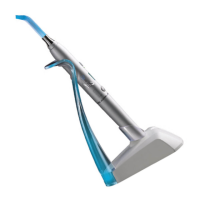
Description of Mini LED ORTHO 2

Physical Components Overview

Lists the physical components of the Mini LED™ ORTHO 2 device.

Technical Specifications and Features

Describes the LED technology, wavelength, and LCD screen functions.

Device Technical Data

Provides detailed specifications for the device, including dimensions, weight, optical parameters, and operating conditions.

Installation and Startup Procedures

Initial Device Inspection and Preparation

Instructions for initial inspection and preparation of the device.

Device Installation Steps

Steps for correctly installing and connecting the device and its components.

Available Exposure Time Settings

Details the available exposure time settings for the curing device.

Alert System Options

Explains the different alert options (beep, flash) for the device.

Routine Operation Guide

Standard Device Usage and Standby Mode

Describes the normal usage procedures for the Mini LED™ ORTHO 2, including alerts and standby mode.

Configuration and Settings Management

Automatic Startup Test Sequence

Describes the automatic test sequence performed upon device startup.

Selecting Curing Exposure Times

Explains how to select exposure times using the right button.

Configuring Alert Modes

Details how to choose and validate alert combinations using buttons.

Unit Interlock System

Excessive Temperature Detection and Handling

Describes the 'OH' error for excessive temperature and recommended actions.

Battery Charge Level Monitoring and Alerts

Explains battery level indicators, low battery alerts, and charging recommendations.

Available Accessories

Troubleshooting Common Issues

Symbols and Abbreviations Reference

Acteon Satelec Mini LED 2 ORTHO Specifications

General IconGeneral
Wavelength420-480 nm
Curing Time Range5-40 seconds
Battery TypeLithium-ion
Charging Time2 hours
Tip Diameter8 mm
TypeLED curing light
Light Intensity1250 mW/cm²
Curing ModesPulse

Related product manuals