D55 Hardware User’s Manual
12
Wall Mount
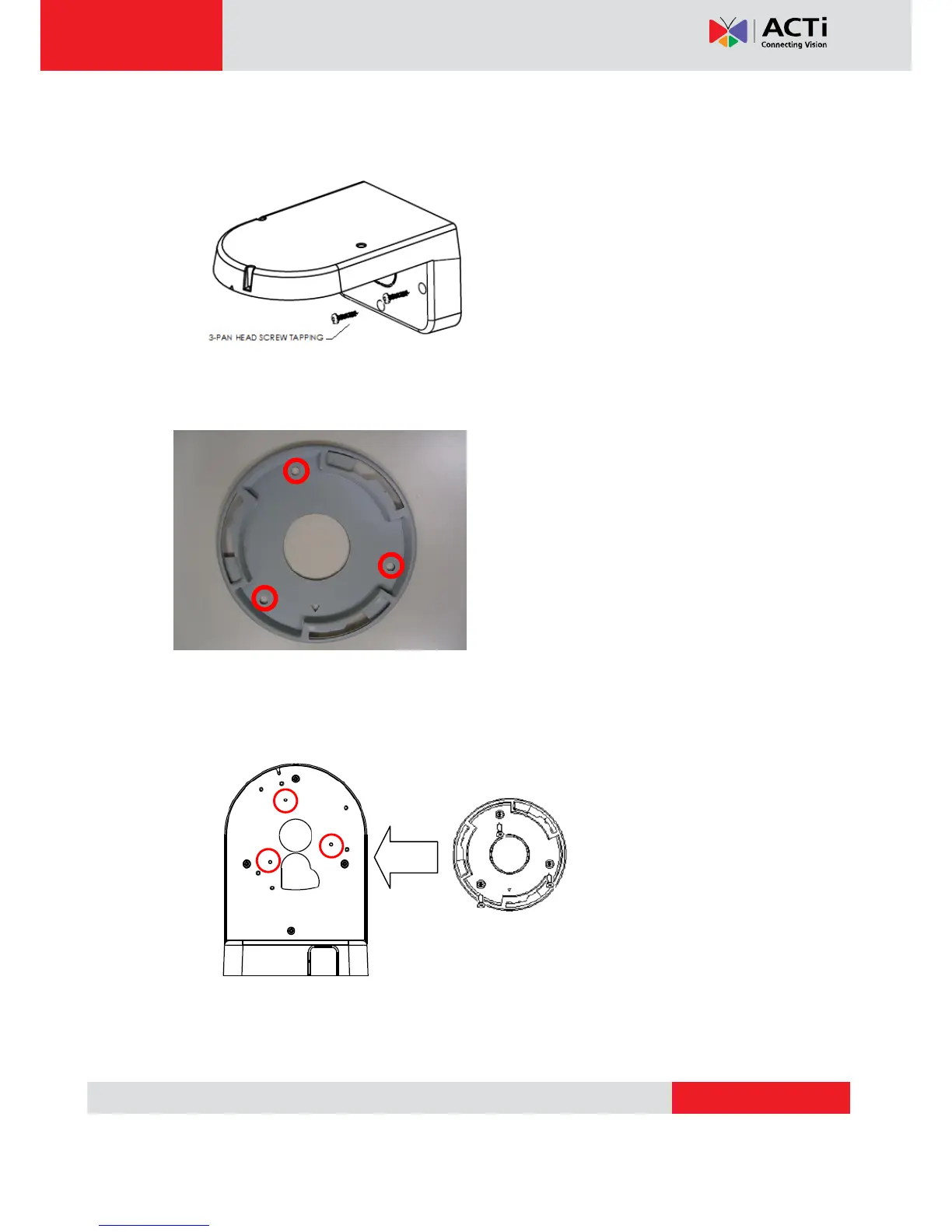
Tighten wall mount bracket to the wall by 3 PAN Head Tapping screws
Use the mounting plate and choose the correct three screw holes.
Tighten the plate to wall mount bracket with M4*6 screws (not to use screws other than flat
heads), and connect all necessary cables through the hole on the plate and wall mount kit



 To Next Page