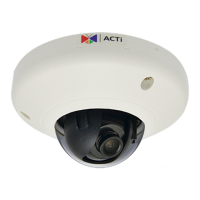
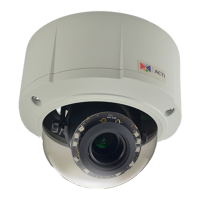
On Network without DHCP Server (Default IP)
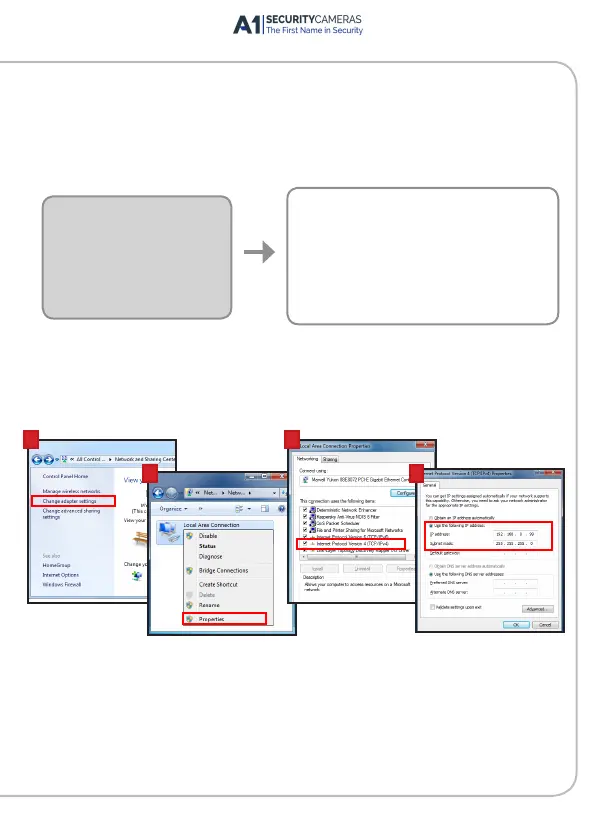
1. If necessary, congure the IP settings of your PC to match with the
network segment of the Camera.
2. Open a web browser and type 192.168.0.100 on the URL address bar.
The Web Congurator appears. Login to access the Camera.
Camera Defaults
IP Address:
192.168.0.100
Subnet:
255.255.255.0
PC can be assigned with
IP Address (different from Camera)
Example:
192.168.0.99
Subnet (same with Camera):
255.255.255.0
How to congure the PC IP address?
Click Start > Control Panel > Network and Sharing Center >
Change adapter settings. Then follow the steps below:
1
2
3
4
Note: For full functionality, it is recommended to use Microsoft Internet Explorer
®
.
When using non-IE browsers, free 3
rd
party software plug-ins may be required.
Refer to the device Firmware Manual for more information.
Available from A1 Security Cameras
www.a1securitycameras.com email: sales@a1securitycameras.com


 To Next Page