Program Playback
Refer to CD/MP3 chapter.
SETTING UP THE DVD PLAYER
Important
1. Load any disc into the unit before you can access the settings.
2. Press SETUP on the remote control.
3. Use the ARROW key and press ENTER to setup the DVD player.
Note: Depending on the type of disc inserted, some features may not be available.
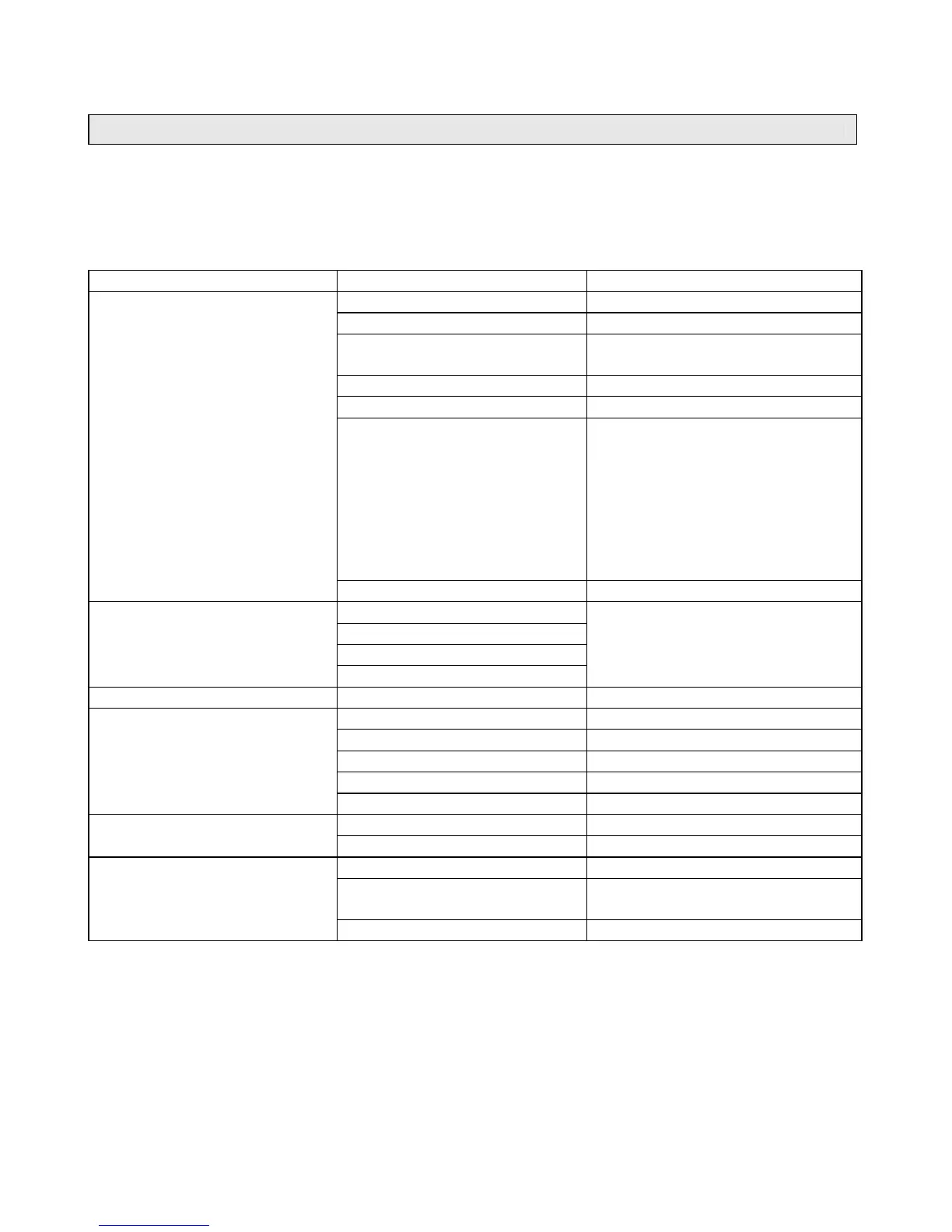
SETUP CATEGORY OPTIONS
TV SYSTEM NTSC,PAL,AUTO
SCREEN SAVER ON, OFF
VIDEO
Interlace-YUV,TV-RGB,P-SCAN
YPBPR,S-VIDEO
TV TYPE 4:3PS,4:3LB,16:9
PASSWORD ----
RATING
1. Kid Safe
2. G
3. PG
4. PG-13
5. PG-R
6. R
7. NC-17
8. Adult
SYSTEM SETUP
DEFAULT RESTORE
OSD LANGUAGE
AUDIO LANGUAGE
SUBTILE LANGUAGE
LANGUAGE SETUP
MENU LANGUAGE
SELECT PREFERRED
AVAILABLE OPTIONS
APPEAR ON SCREEN
AUDIO SETUP KEY
BRIGHTNESS 012
CONTRAST 012
HUE -6+6
SATURATION 012
VIDEO SETUP
SELECT LOGO RESTORE, MPEG LOGO
DOWNMIX LT/RT, STEREO, VSS
SPEAKER SETUP
FRONT LARGE, SMALL
DYNAMIC RANGE OFF FULL
DUAL MONO
STEREO, MONO L, MONO R,
MIX MONO
DIGITAL SETUP
Setting Rating Password
1. Press SETUP on the remote control.
2. Using Navigation keys, scroll down to RATING and select a rating level.
3. If you like to change password, scroll up to PASSWORD. Enter default password ‘5168’. The
lock logo will switch to unlock.
4. Enter the new password. The unlock logo will switch to lock indicating new password saved
properly.
Note:
• The default password is ‘5168’.
• To reset password, enter the old password to unlock first and then enter new password.


 To Next Page